Big sites, many rows, one clear punch list
Solar farms, wind sites and battery storage spread across hectares, with the same kit repeated thousands of times. Kelmora ties every finding to its block, row or turbine, so nothing gets lost in the scale.
What gets in the way
Huge, repetitive sites
Thousands of strings, trackers or inverters look the same in a photo.
Spread-out crews
Teams work far apart, often with weak signal.
Grid connection dates
Energisation dates do not move, and the punch list has to be clear first.
Built for the way you work
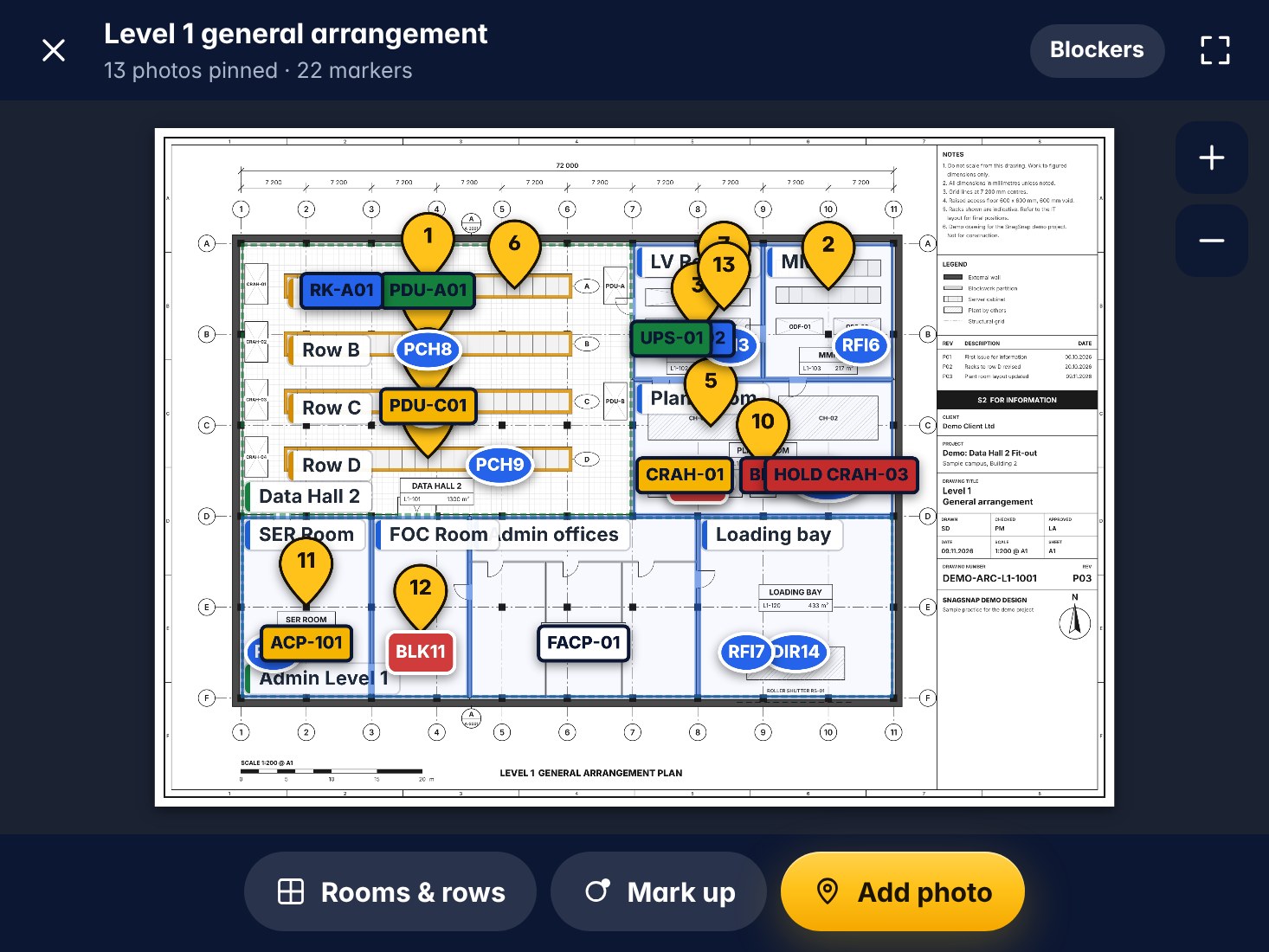
Findings by block and row
Set up blocks, rows, strings or turbines as areas, and every record knows where it belongs.
- Areas for blocks, rows and turbines
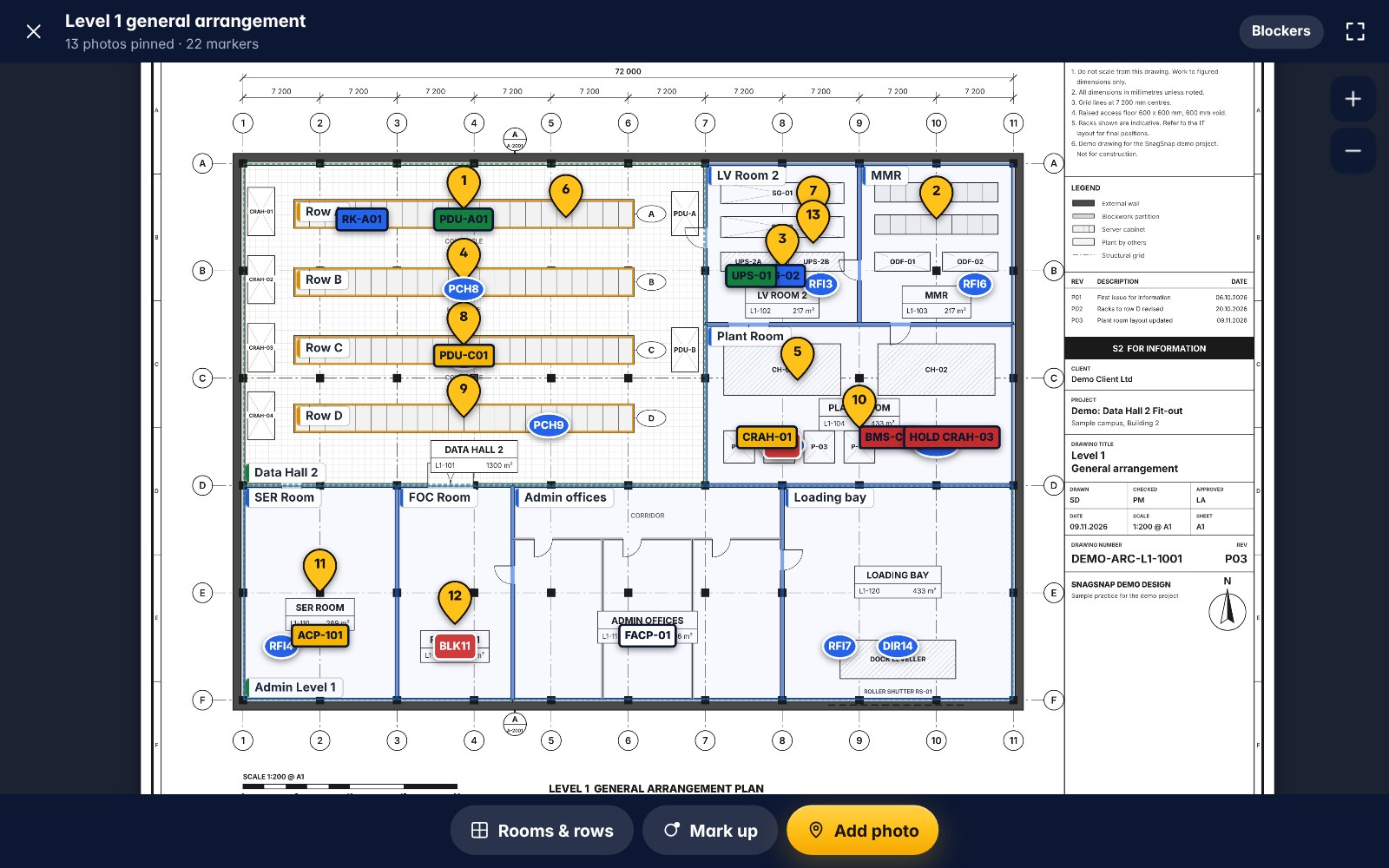
- Pins on the site layout
- Coverage so no block is missed
Works in the field
Built for a phone in the sun, with weak or no signal.
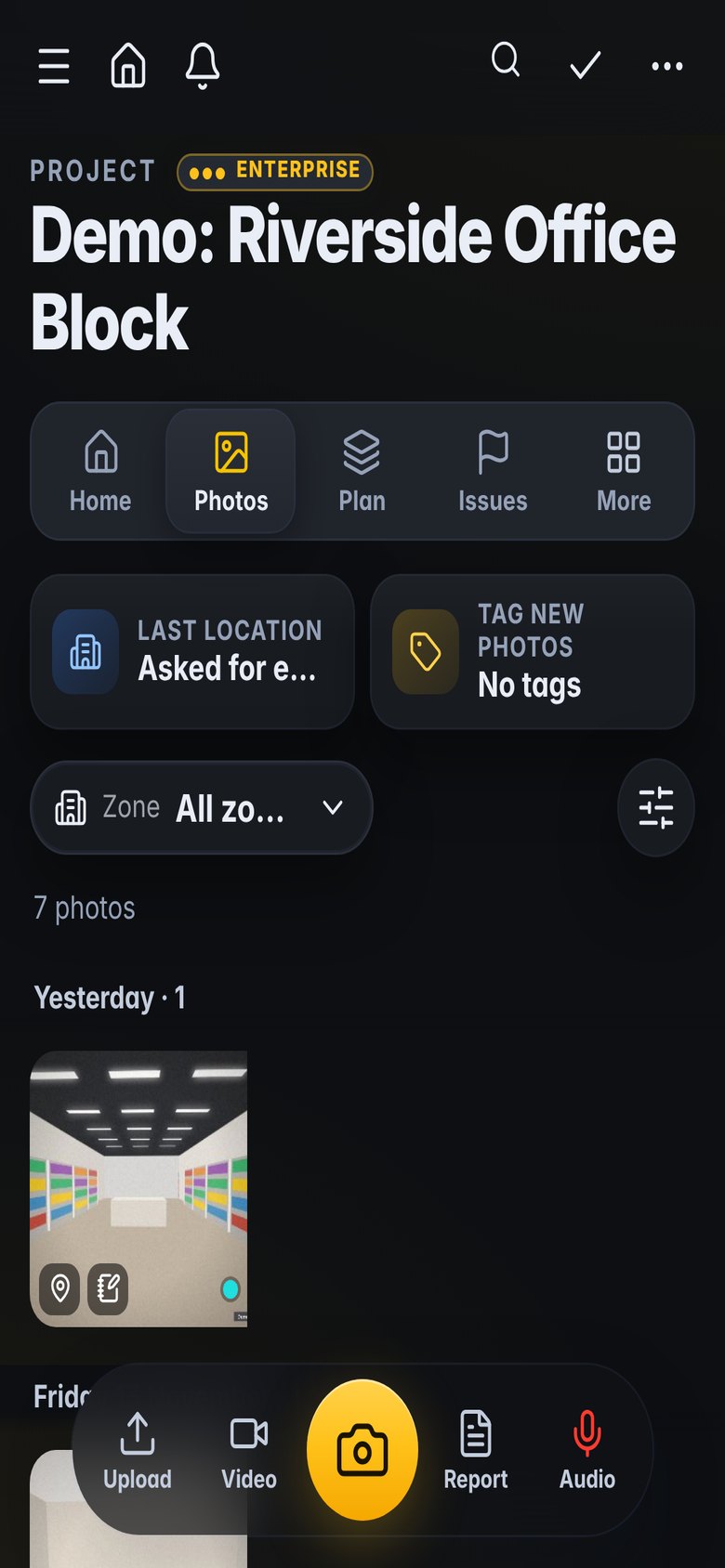
- Offline photos and walks
- Large buttons and dark mode
- Voice notes for quick findings
Commissioning and energisation
Equipment tags, test stages and readiness by block.
- Tags for inverters, transformers and switchgear
- Readiness by block or phase
- Client sign-off by link
See what is slipping
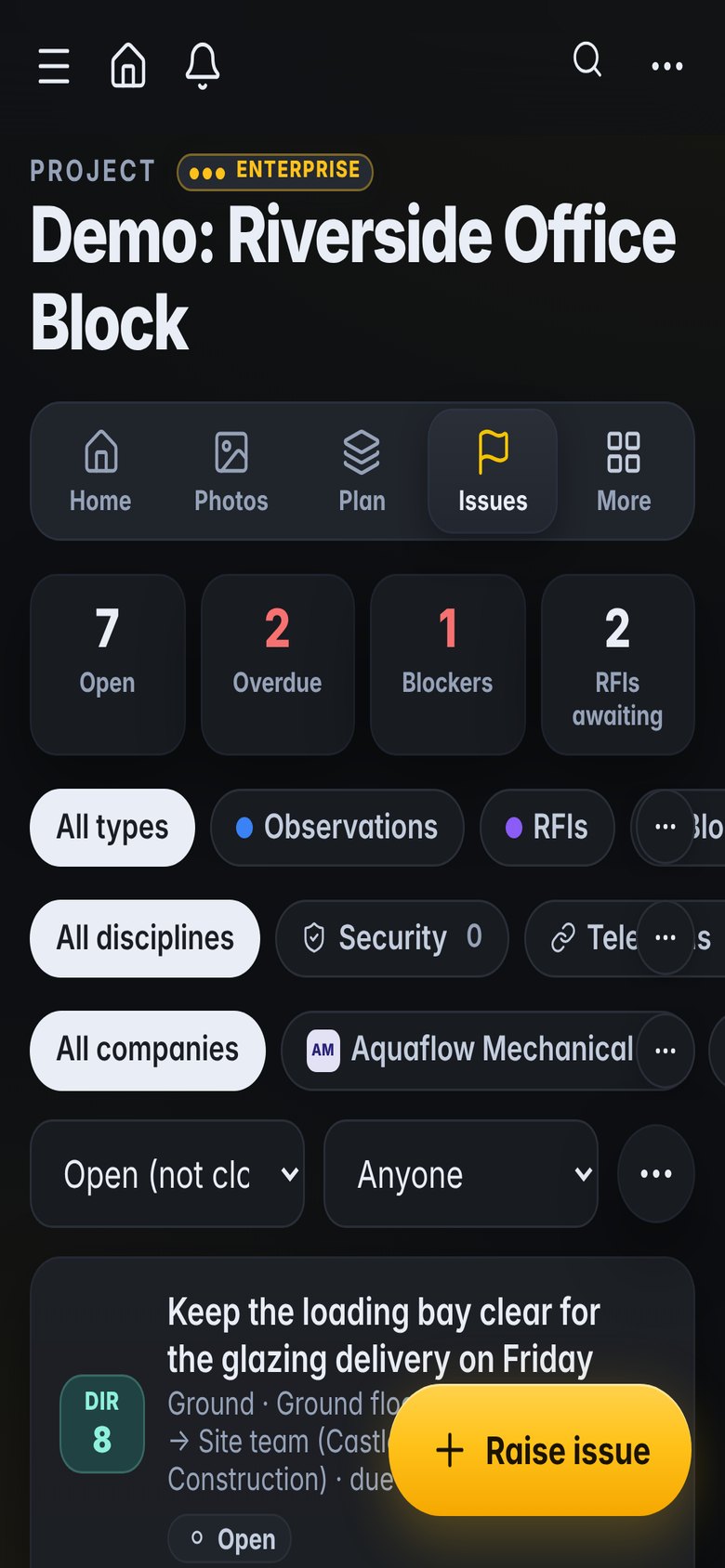
Risk by block and contractor before the energisation date.
- RiskRadar warnings
- Programme updates with progress photos
- Weekly reports from the records
What teams use it for
How it fits the job
Crews log work and photos by block
Inspector walks the blocks due for completion
Punch items assigned to each contractor
Weekly report to the owner
What you would use
Start on Standard and add Professional or Enterprise modules when you need them. See the plans
Frequently asked
Can it handle thousands of repeated items?
Yes. Areas can be nested, such as block, row and string, and lists filter by any level.
Does it work with weak signal?
Yes. Everything you capture is kept on the phone until it can upload.
Can the owner see progress?
Yes, with a Viewer role or shared reports and links.
Can we use our site layout drawing?
Yes. Upload it and pin findings on it.
Also built for
Try it on the demo project, then on your own site
The demo project has photos, snags, plans and a 3D model ready to explore.