Every site record in one place, from survey to handover
Architects, engineers and contractors capture the site on their phones, raise and track snags, coordinate models and hand over with the evidence attached.
What gets in the way
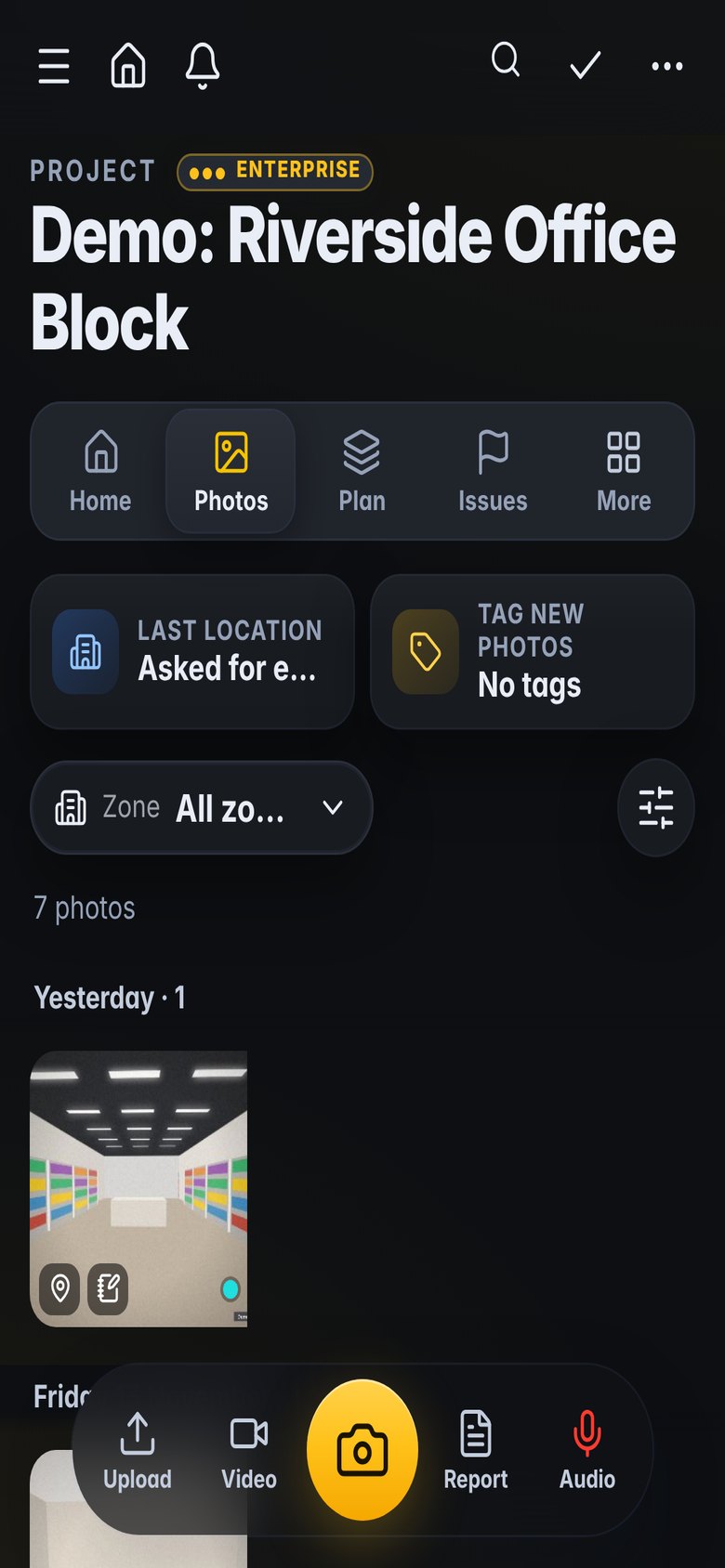
Photos everywhere
Pictures sit on personal phones and in chat groups, without the location, the date order or the drawing they belong to.
Snag lists that drift
A spreadsheet per trade, emailed back and forth, never quite current at the progress meeting.
Handover at the last minute
Evidence is collected at the end, when it is hardest to find and easiest to miss.
Built for the way you work
Capture the site properly
Every photo lands on the project with its date, area and plan position, and works with no signal.
- Site walks area by area, offline
- Pins on drawings and 360° photos
- Markup, voice notes and text read from photos
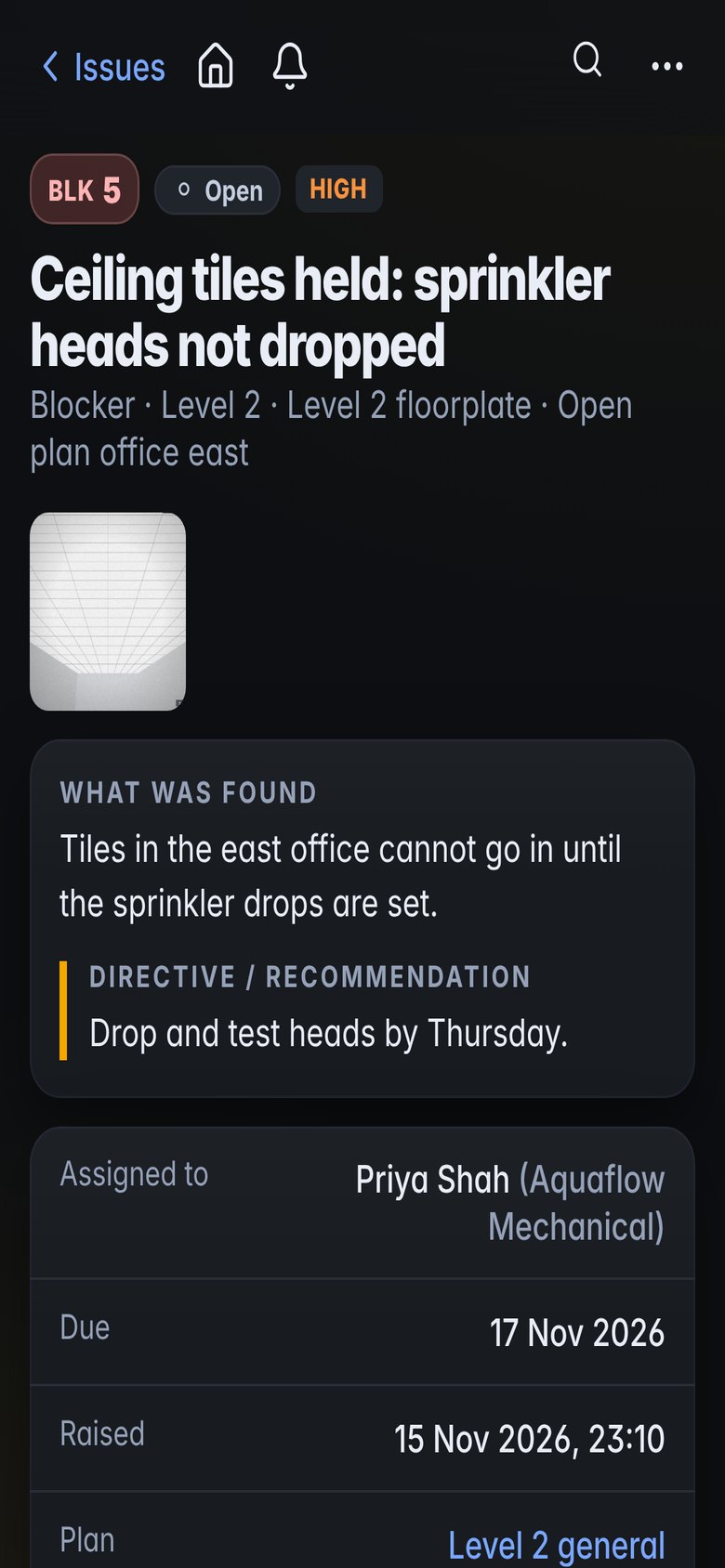
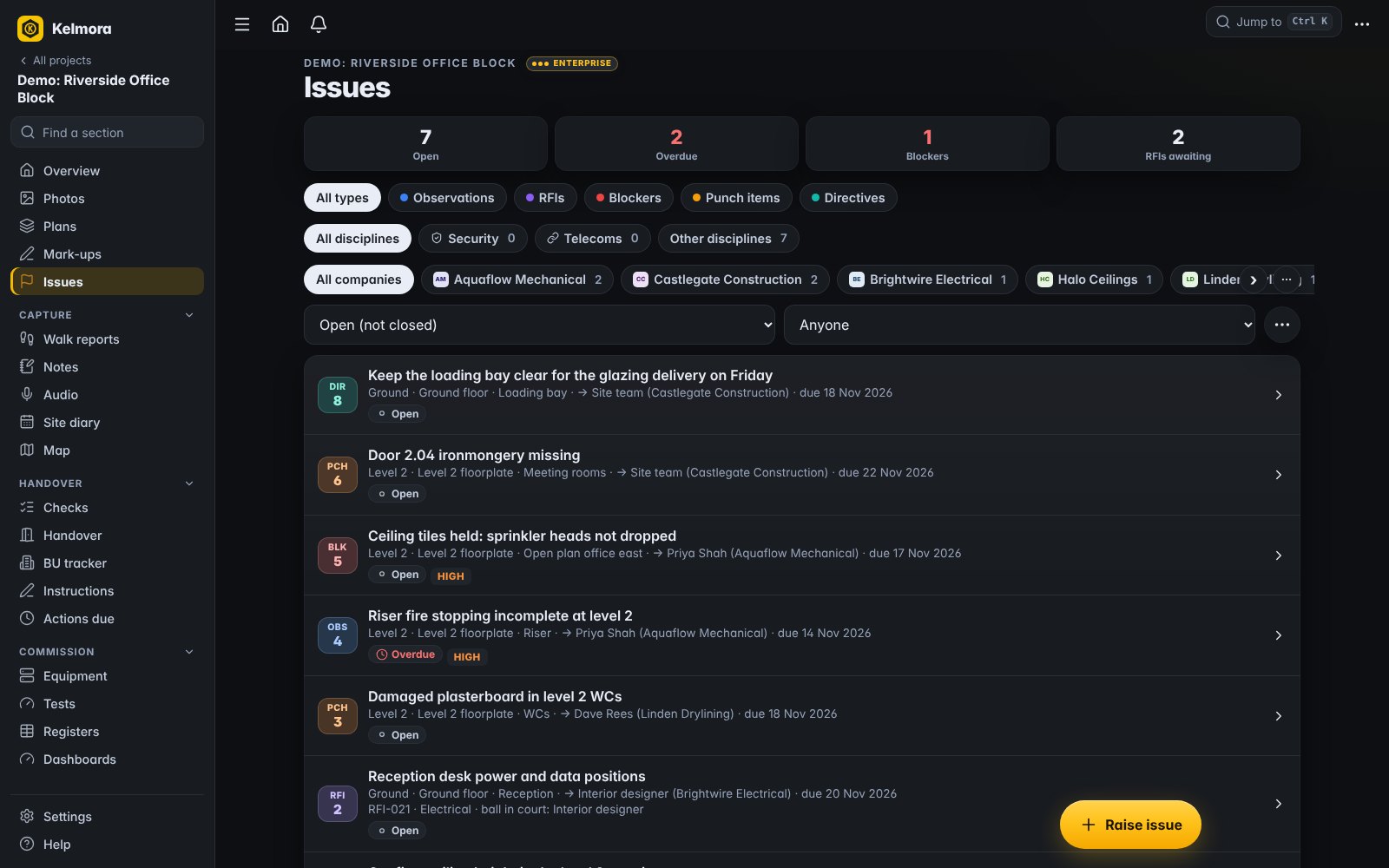
Snag, assign and close out
One list for every trade, with the photo, the spot and the due date on each item.
- Assigned by company with reminders
- Reply links for contractors, no login
- Close-out reports by trade, area or level
Coordinate the models
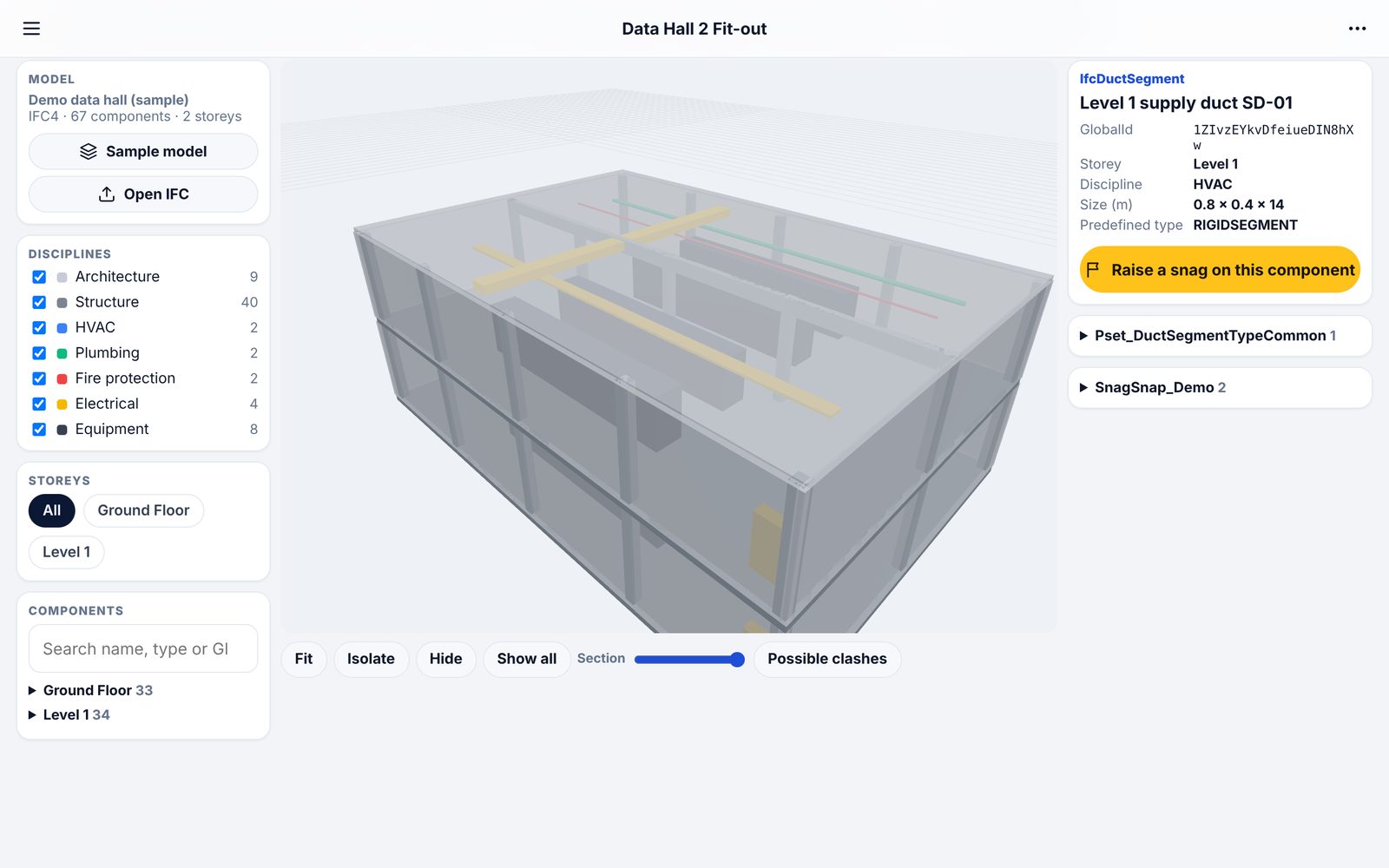
Open IFC models and phone scans on site, together, and check them.
- Several models lined up together
- Clash checks with clearances
- BCF with Revit, Navisworks and Solibri
Report and hand over
Reports and handover packs come from the records, not from a weekend of copy and paste.
- PDF reports in a minute
- Room readiness and client sign-off
- Daily logs and period reports
What teams use it for
How it fits the job
Walk the floors with the drawing, offline
Raise snags with photos for each trade
Review progress and risk with the team
Issue the weekly report and chase the overdue
What you would use
Start on Standard and add Professional or Enterprise modules when you need them. See the plans
Frequently asked
Does it work with our drawings?
Yes. Upload PDF or image drawings and pin snags and photos on them. IFC models open in the browser, and scans come in from Polycam and similar apps.
Can subcontractors use it without an account?
Yes. Each snag can be sent as a reply link: they fix it, take a photo and reply, without signing up.
What happens with no signal?
Site walks, photos and observations are kept on the phone and upload by themselves when signal returns.
Can we export to our own systems?
Reports export as PDF and Excel, models as GLB, OBJ or STL, plans as DXF, and coordination issues as BCF.
Also built for
Try it on the demo project, then on your own site
The demo project has photos, snags, plans and a 3D model ready to explore.