Take over the building with its history, and keep it current
FM teams inherit buildings with gaps in the record. Kelmora hands over the snags, tests, equipment and drawings room by room, then keeps working for inspections and defects in operation.
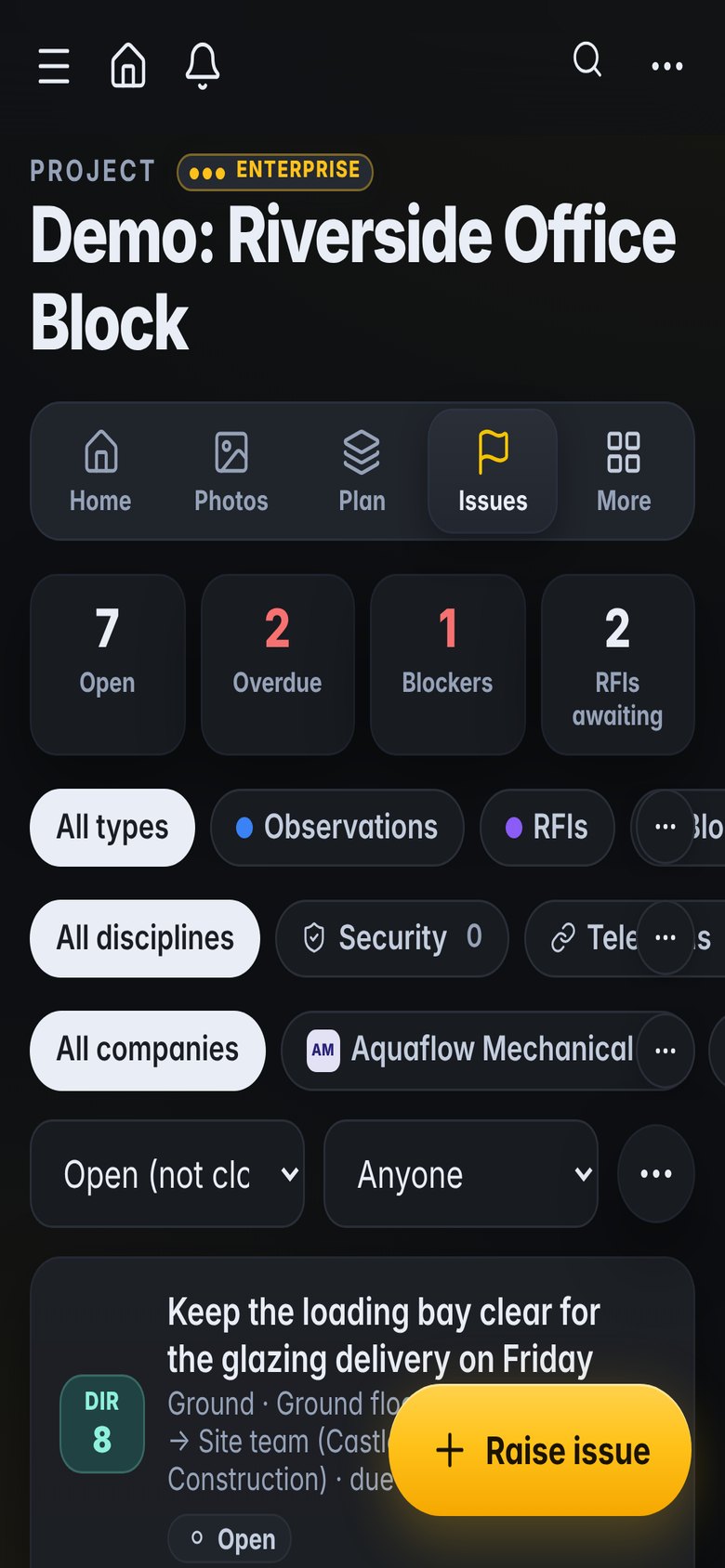
What gets in the way
Thin handover packs
Operations take over without knowing what was snagged, tested or left open.
Assets without context
Equipment lists rarely link to photos, locations or documents.
Inspections on paper
Routine checks are hard to search and harder to report on.
Built for the way you work
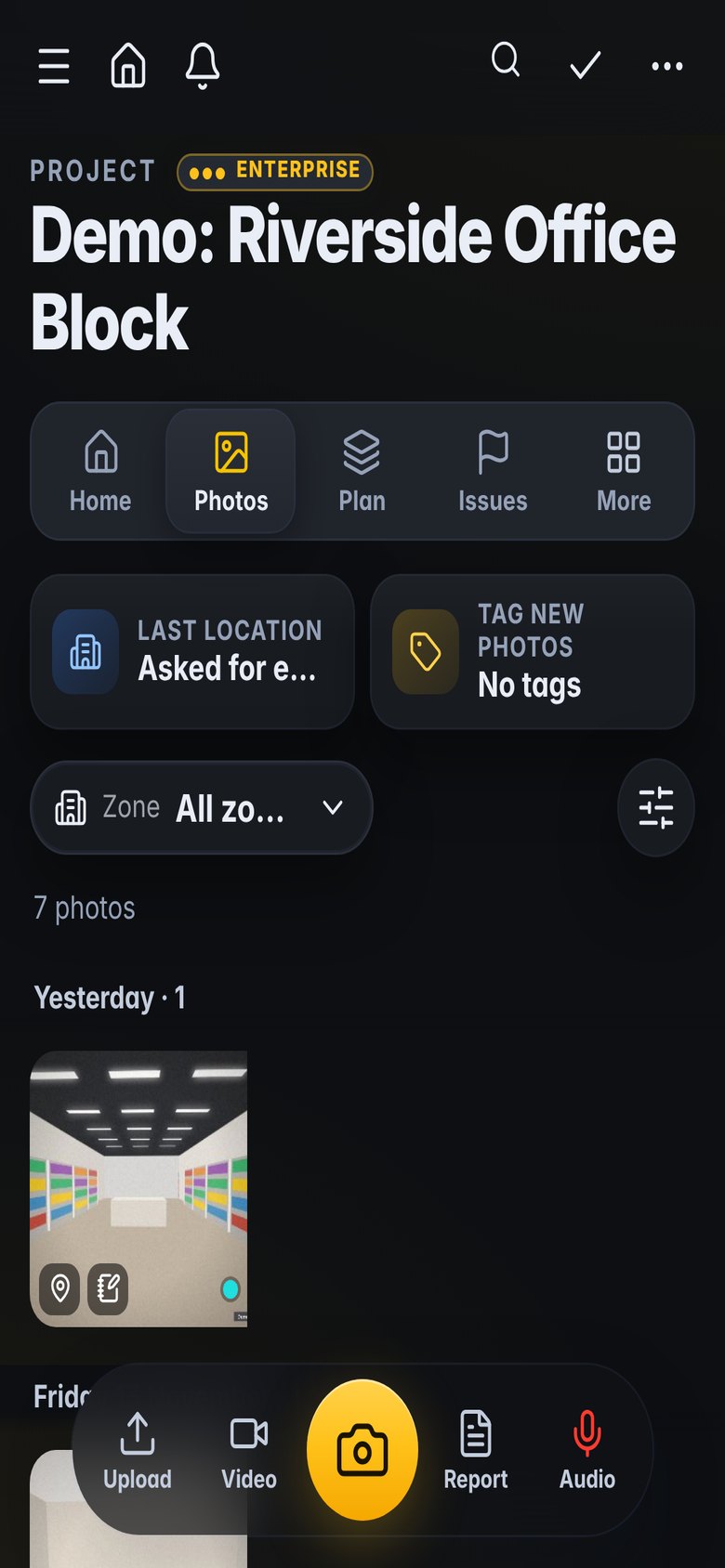
A building with its history
Every snag, test and sign-off, searchable by room and asset.
- Records by room and level
- Equipment with tags and documents
- Full history of each item
Inspections and defects
Routine walks and defects with photos and owners.
- Walk reports by area
- Defects assigned to suppliers
- Reports on demand
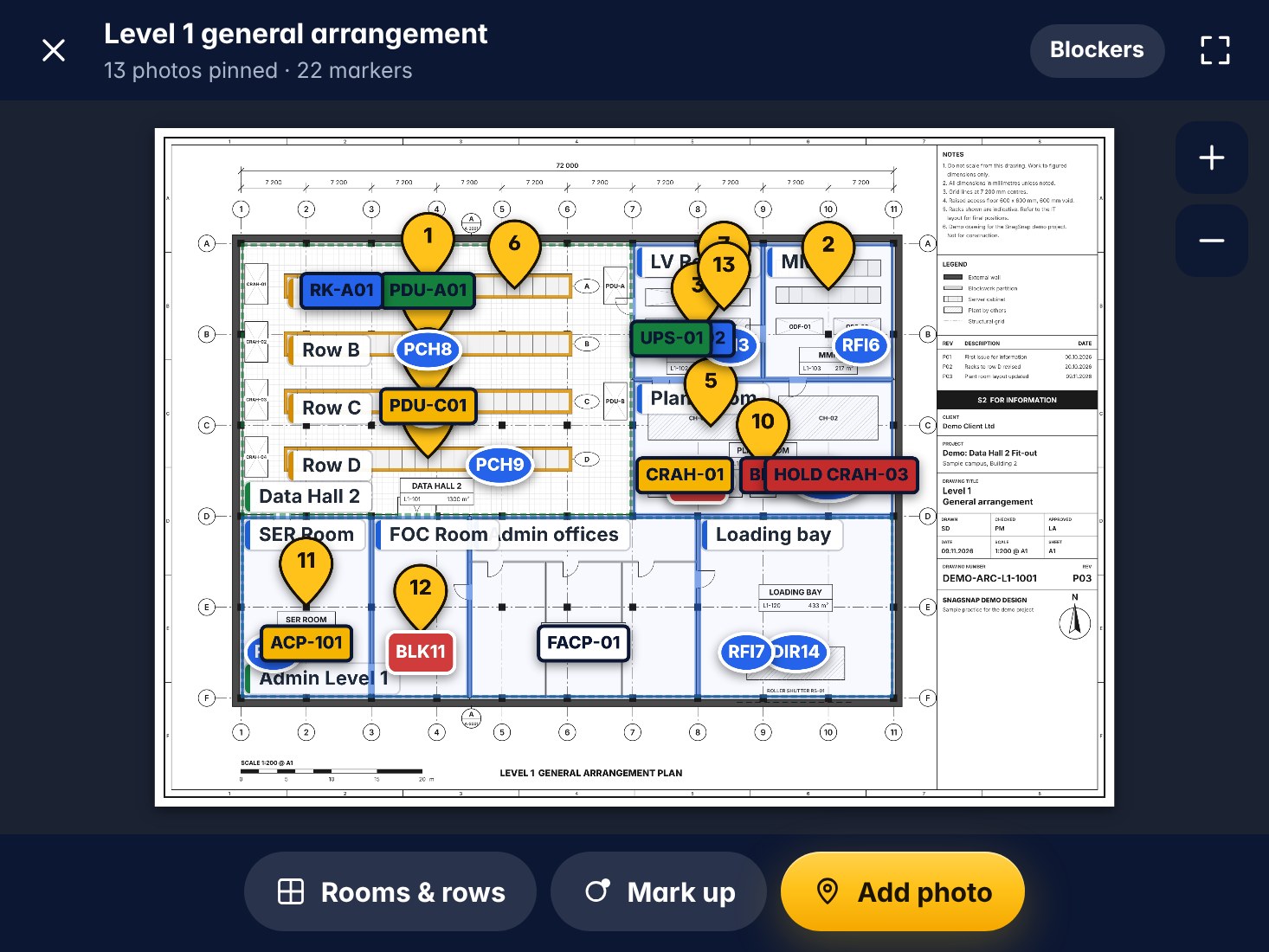
Find it on the plan
Assets and issues pinned to drawings.
- Pins on floor plans
- 360° photos of plant rooms
- Plans from phone scans
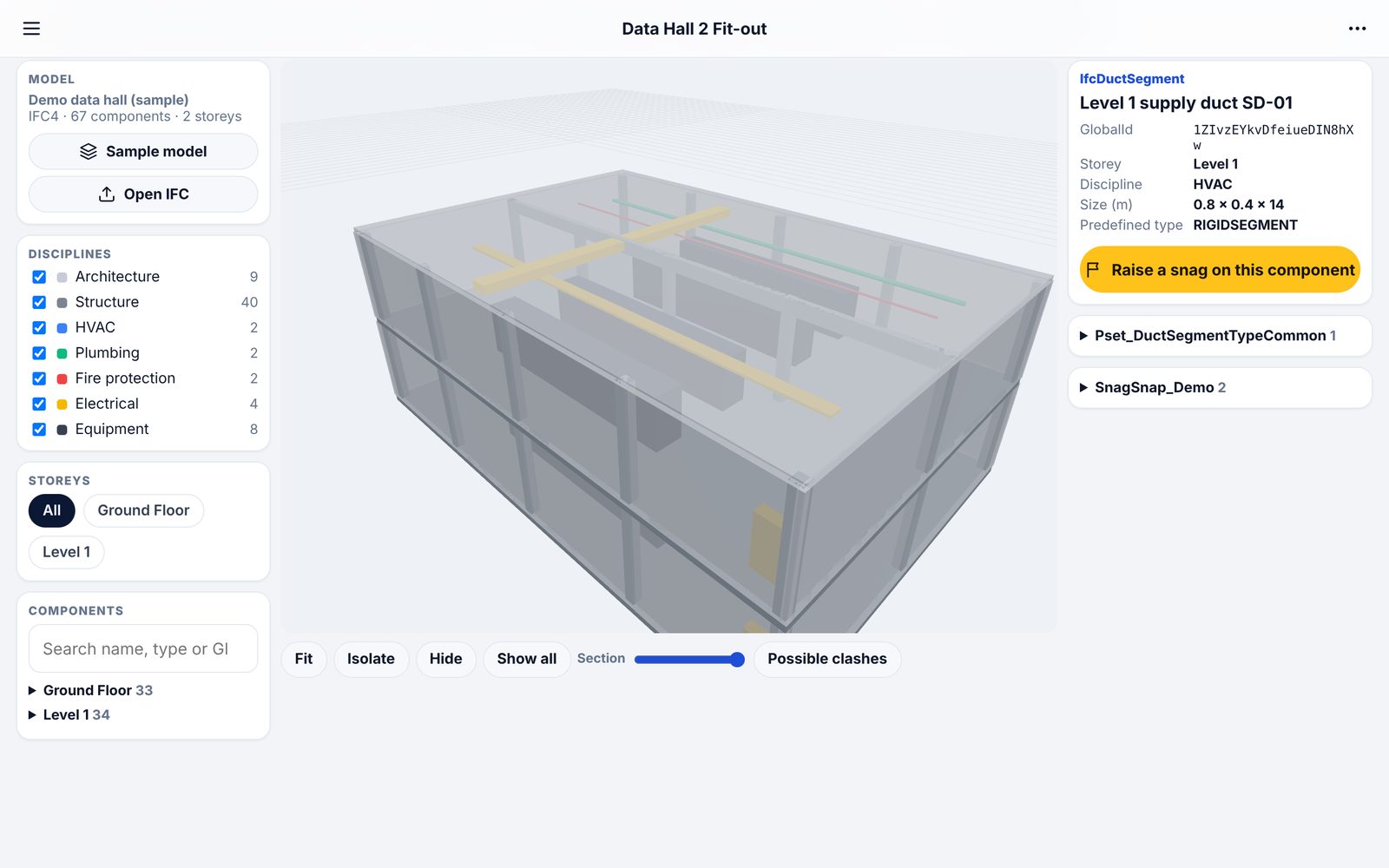
Models and scans
3D models and scans kept with the building.
- Measure without a return visit
- Saved views and comments
- Share by link with suppliers
What teams use it for
How it fits the job
Walk the planned inspections
Raise defects for suppliers
Chase and close
Report to the client
What you would use
Start on Standard and add Professional or Enterprise modules when you need them. See the plans
Frequently asked
Can we take over a project from the contractor?
Yes. The project and its history can carry on in Kelmora after handover.
Is it a CAFM or CMMS system?
No. It is for inspections, defects and evidence. Use it alongside your maintenance system.
Can suppliers reply without an account?
Yes, with reply links.
Does it work in plant rooms with no signal?
Yes. Capture is offline first.
Also built for
Try it on the demo project, then on your own site
The demo project has photos, snags, plans and a 3D model ready to explore.