Inspection and close-out for sites where a return visit is expensive
Offshore platforms, terminals, refineries and pipelines are remote, hazardous and costly to revisit. Kelmora captures it right the first time, works with no signal and keeps the evidence with the asset.
What gets in the way
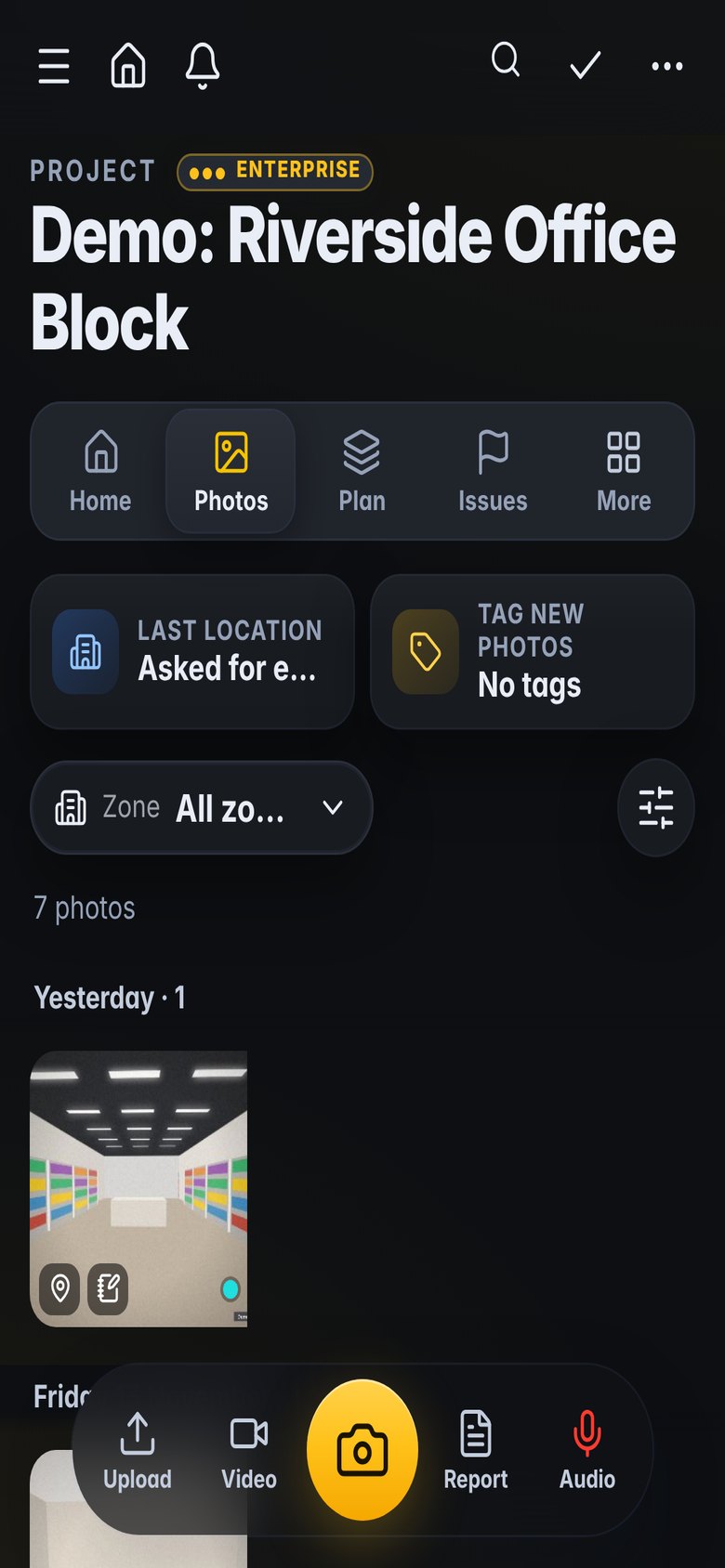
Remote and offline
Many areas have no signal, and a second trip can mean a helicopter or a permit.
Permits and safety first
Work cannot start until permits, task plans and briefings are in order.
Shutdown pressure
Turnarounds compress months of work into weeks, and every punch item counts.
Built for the way you work
Capture offline, upload later
Walk the unit with no signal. Photos, notes and findings wait on the phone.
- Offline site walks and photos
- Area-by-area coverage, nothing missed
- Uploads by themselves later
Punch lists and turnarounds
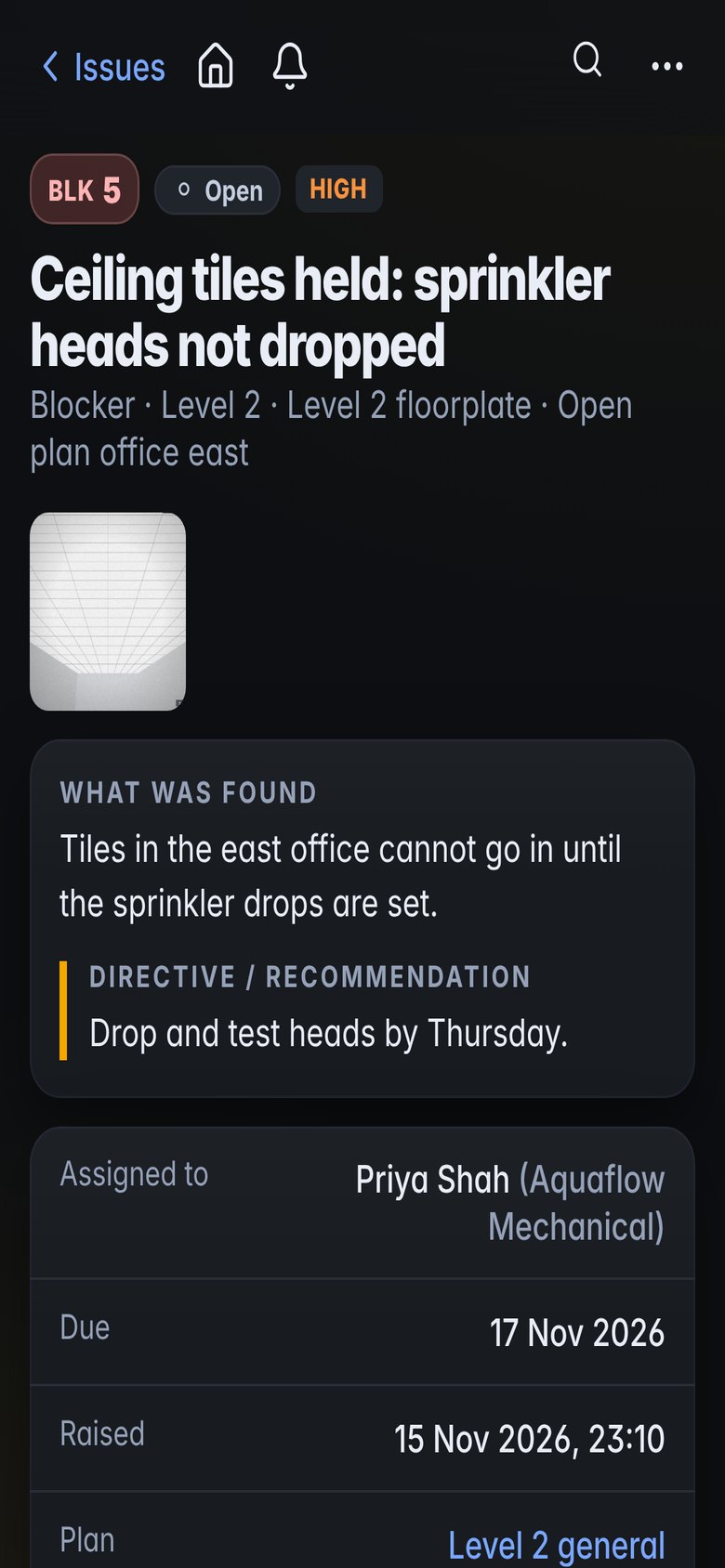
Punch items with photos, priority and owner, tracked to close.
- Punch and defect lists by system
- Reply links for contractors
- Close-out reports by system or area
Permits and safe work
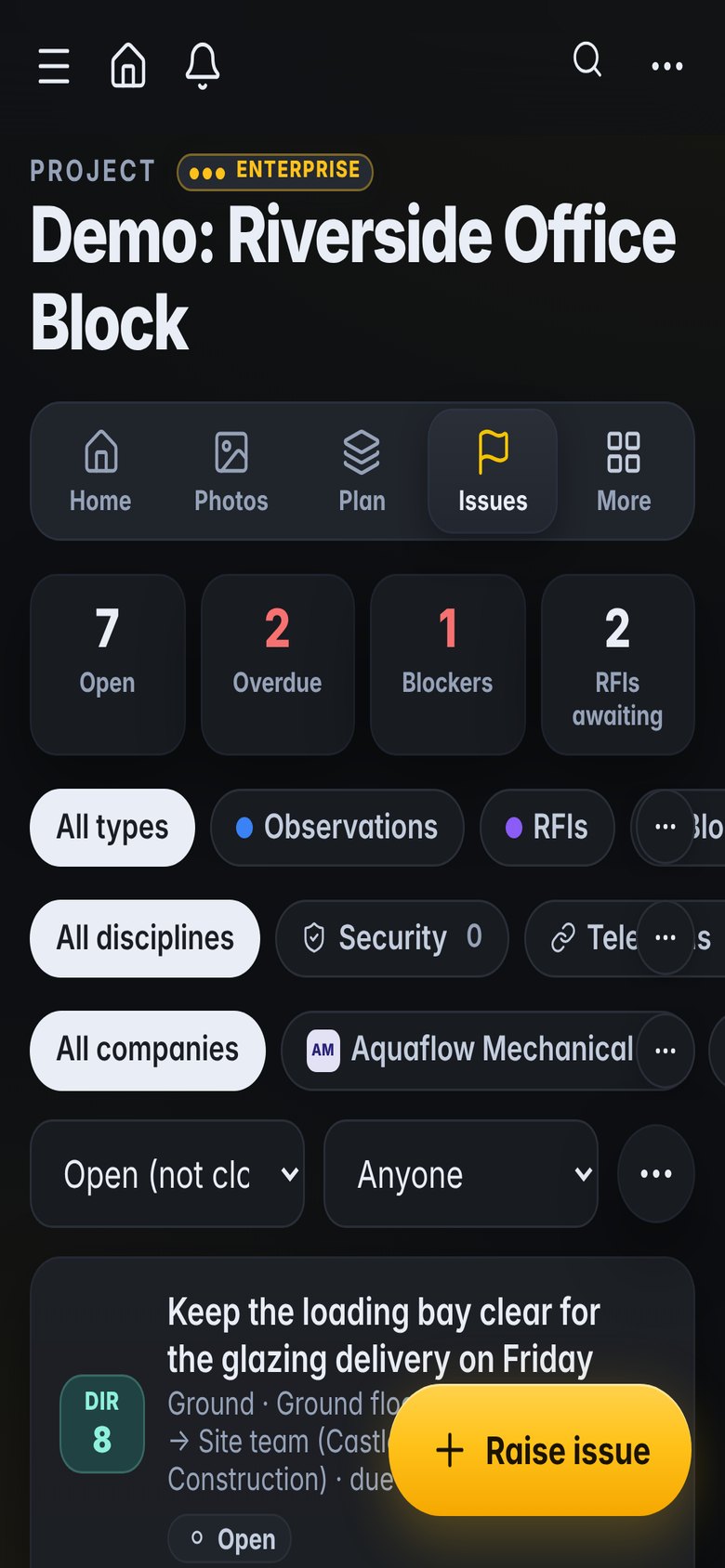
Permits, task safety plans and toolbox talks with signatures.
- Permits to work
- Task plans and briefings
- Safety observations and near misses
Measure without going back
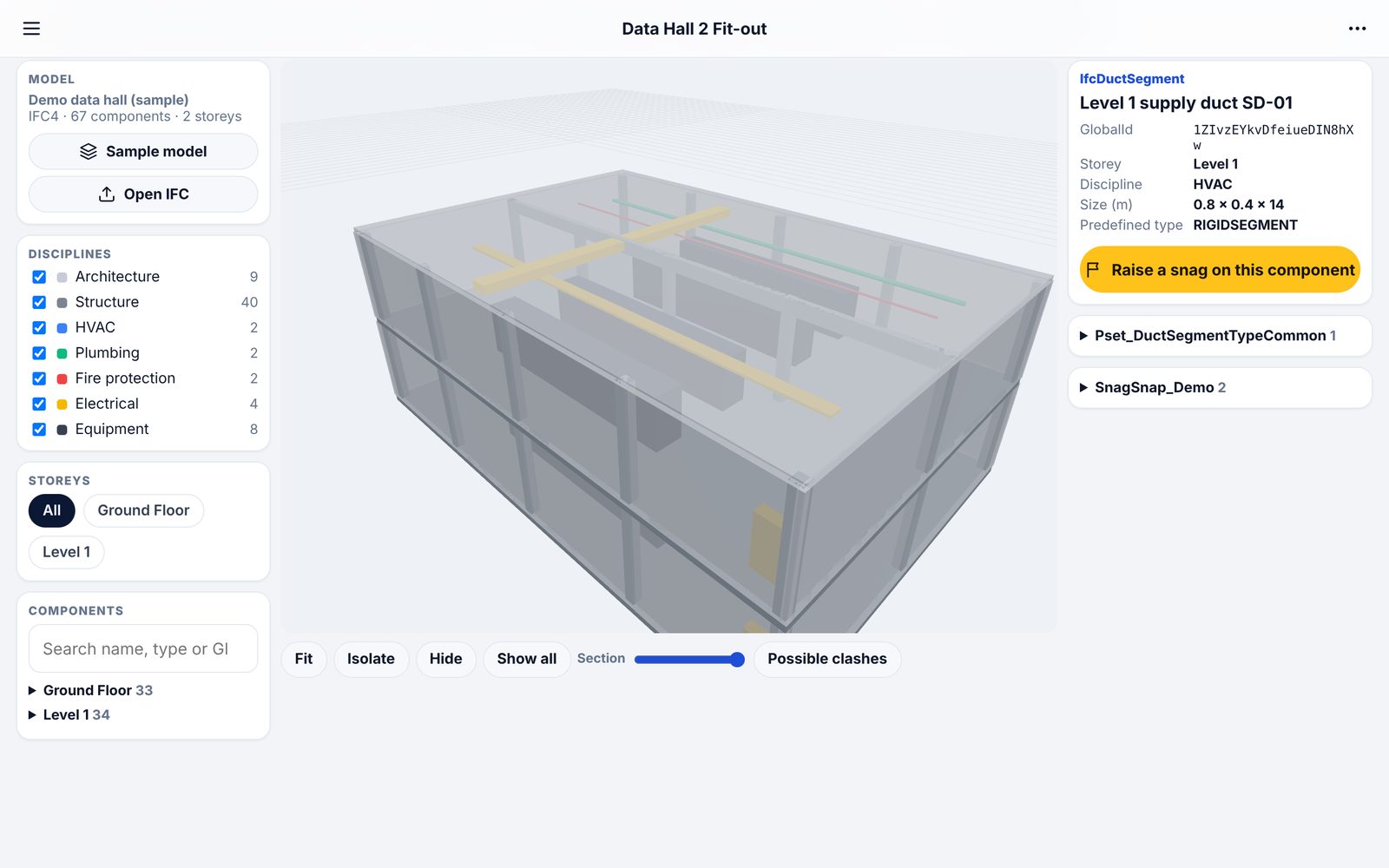
Scans from phone apps opened in 3D, measured and shared.
- Distance, height and area on scans
- Plans cut from scans as PDF or DXF
- View-only links for engineers onshore
What teams use it for
How it fits the job
Permits and briefing before work starts
Walk the unit offline and record findings
Punch items assigned and chased
Engineers onshore review the scans and reports
What you would use
Start on Standard and add Professional or Enterprise modules when you need them. See the plans
Frequently asked
Does it work offshore with no signal?
Yes. Site walks and photos are designed to work offline and upload when you are back in range.
Can we keep each site separate?
Yes. Each project is separate, and each company only ever sees its own projects.
Is Kelmora certified for hazardous areas?
Kelmora is software. Use it on whatever devices are approved for the area you are working in.
Can onshore engineers see the site?
Yes. Share a scan or model by link, or give them a Viewer role on the project.
Also built for
Try it on the demo project, then on your own site
The demo project has photos, snags, plans and a 3D model ready to explore.