Know the condition of every unit and every handover
Developers, landlords and property managers need the facts on each building and unit: what was built, what is wrong and what was handed over. Kelmora keeps that record from completion through every tenancy.
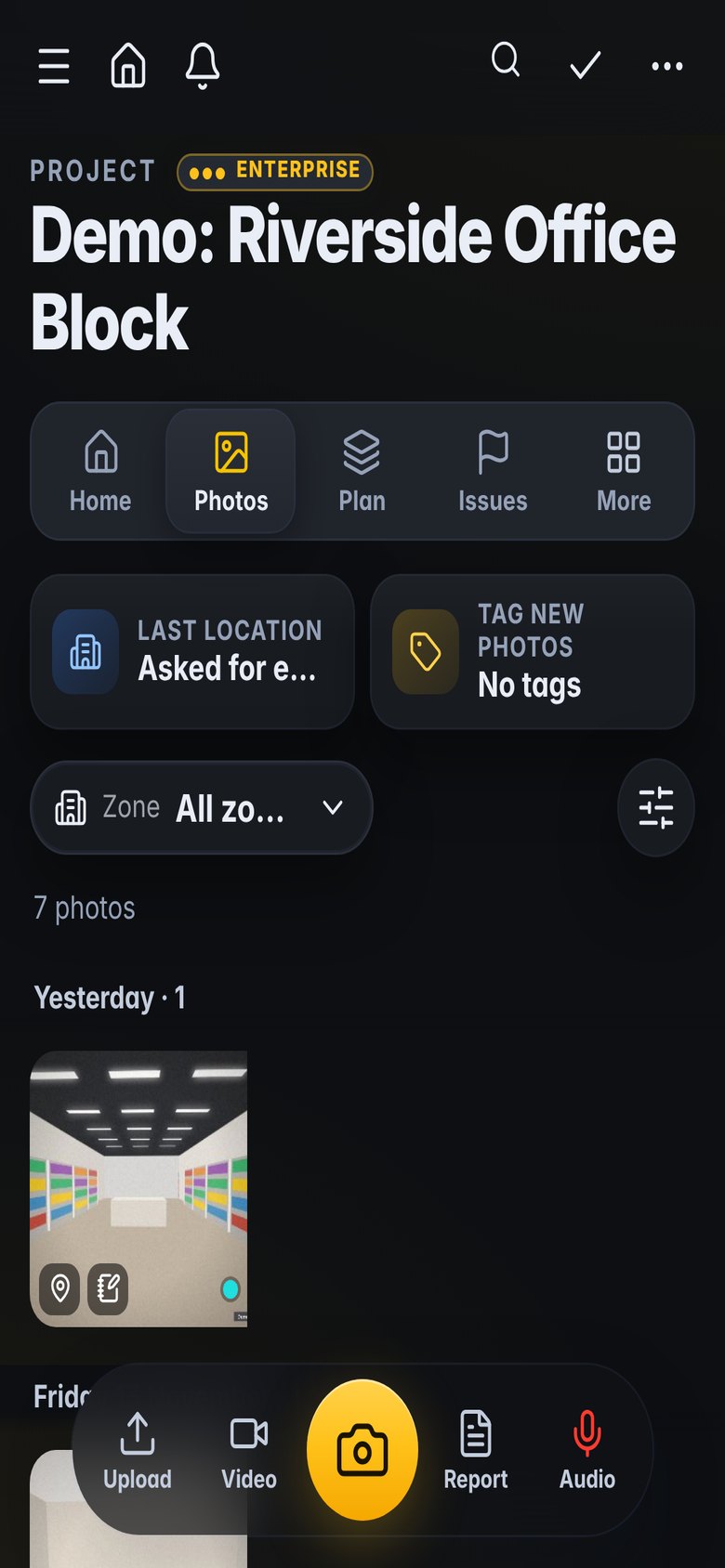
What gets in the way
Defects at completion
Buyers and tenants find issues that were never recorded.
Many units, many visits
Each unit needs its own inspections, photos and reports.
Disputes over condition
Without dated photos, condition is one word against another.
Built for the way you work
Unit by unit inspections
Walk each unit room by room and make the report as you finish.
- Walk reports by room
- Every room covered or marked not accessed
- PDF report on site
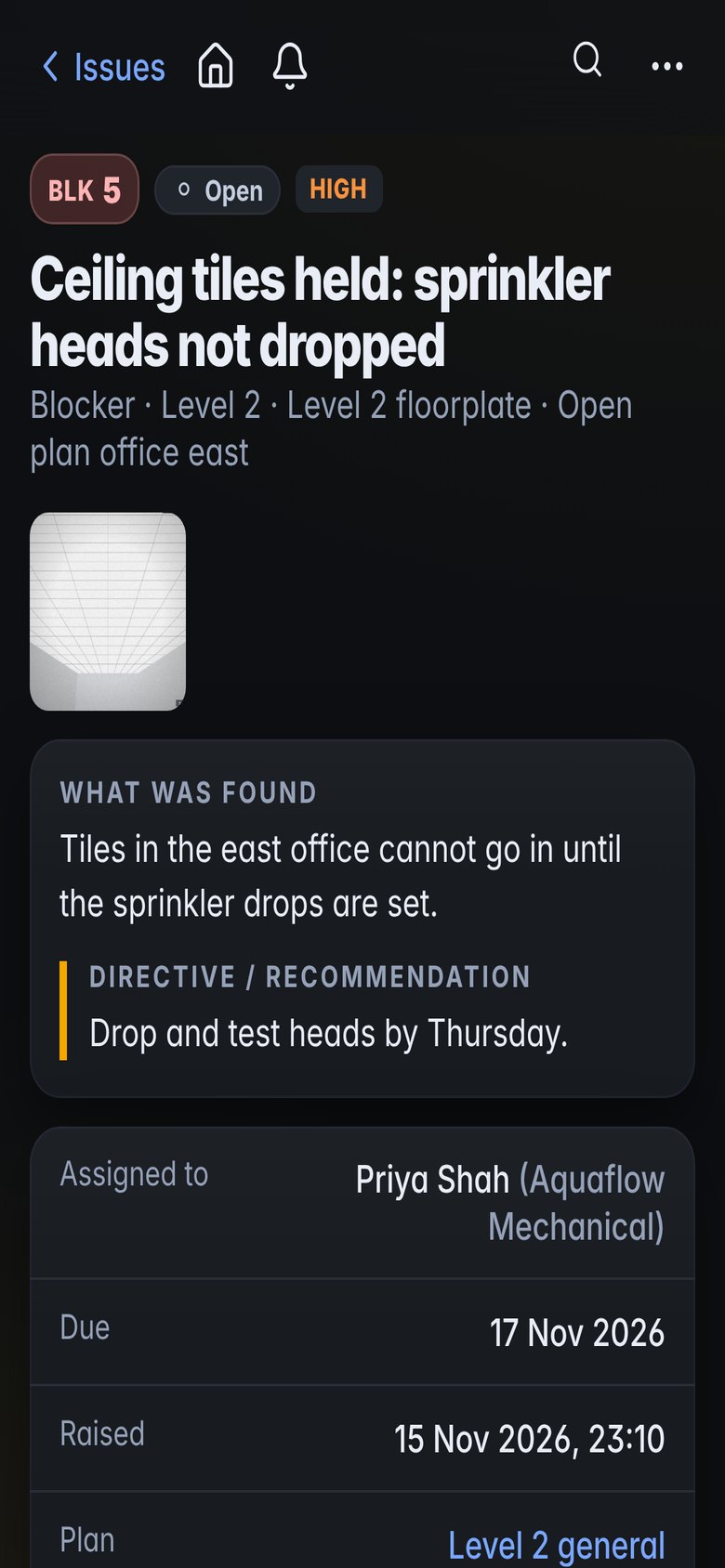
Defects tracked to close
Defects assigned to the contractor with photos and dates.
- Defects by unit and trade
- Reply links for contractors
- Close-out reports
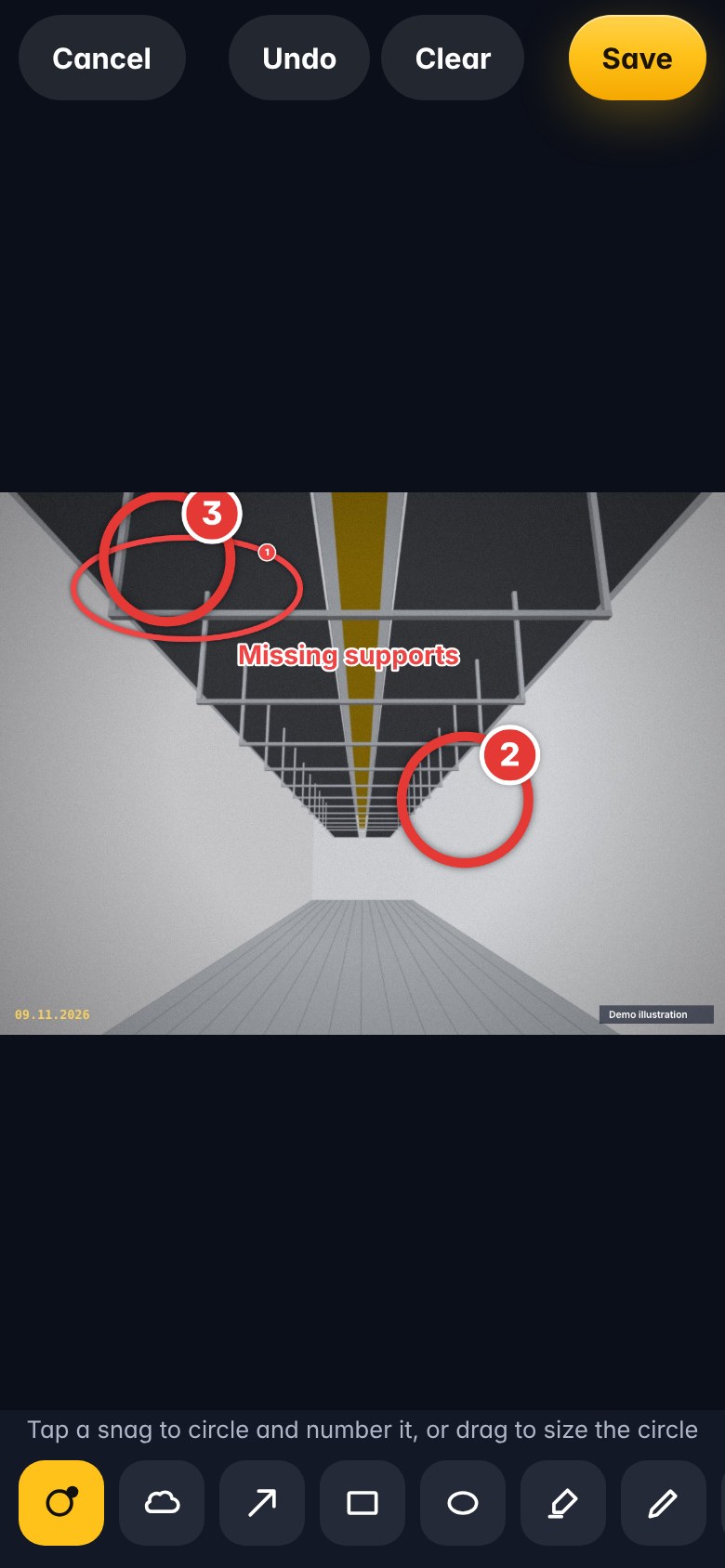
Dated evidence
Every photo keeps its date and location, with full history.
- Time-stamped photos
- A history of every change to each defect
- Shareable reports
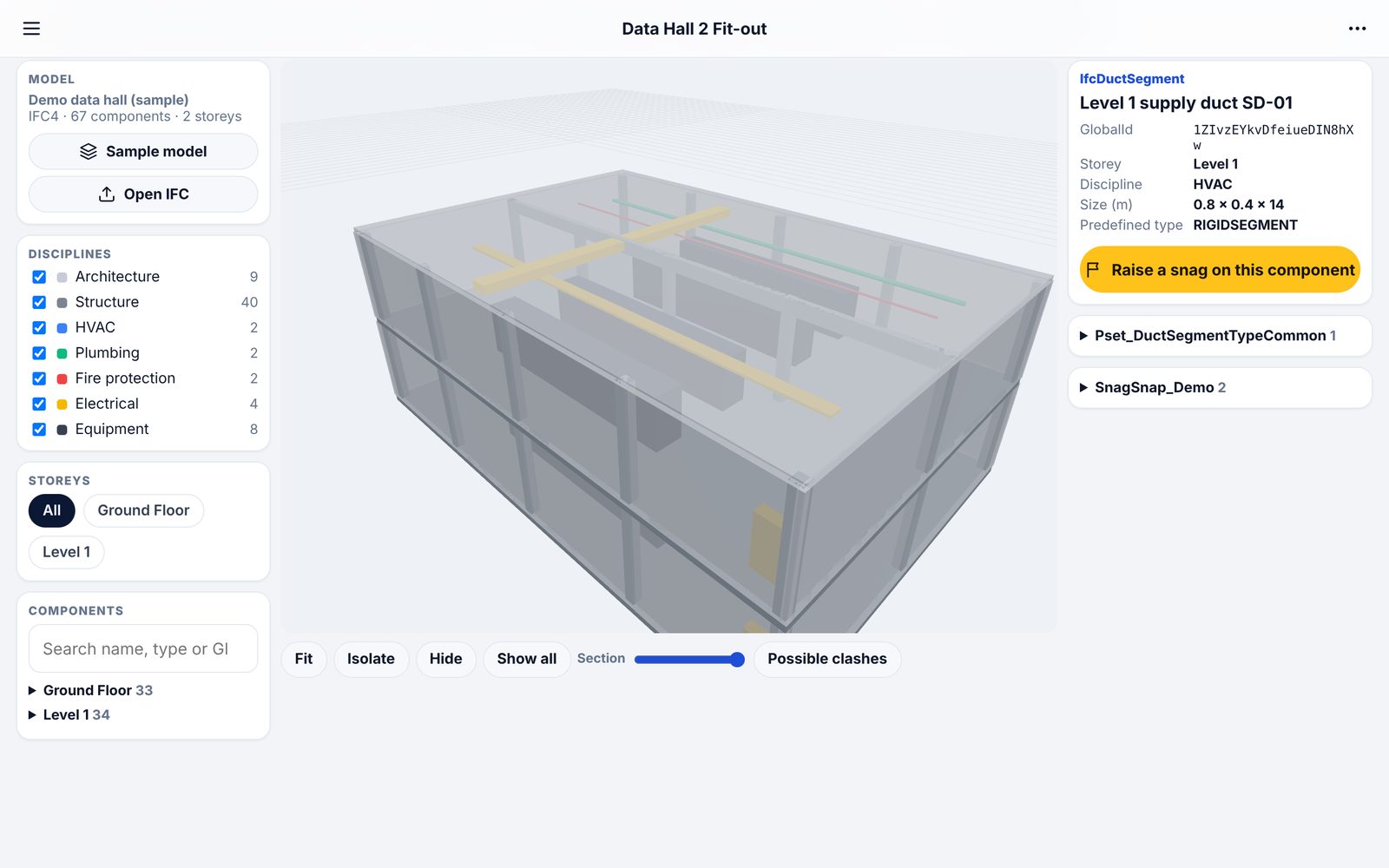
Measure and share spaces
Phone scans opened, measured and shared by link.
- Area and distance on scans
- Plans cut from scans
- View-only links for buyers and agents
What teams use it for
How it fits the job
Inspect the units due for completion
Defects sent to the contractor
Re-inspect and close
Hand over with the report
What you would use
Start on Standard and add Professional or Enterprise modules when you need them. See the plans
Frequently asked
Can we use it across many buildings?
Yes. Each building can be a project, and Portfolio shows them together.
Can tenants or buyers see reports?
Yes, through shared reports and links. They do not need an account.
Does it replace our property management system?
No. It is the site record: inspections, defects and evidence, alongside your existing system.
Can we measure floor areas?
Yes, from phone scans. Check anything contractual with a measured survey.
Also built for
Try it on the demo project, then on your own site
The demo project has photos, snags, plans and a 3D model ready to explore.