See your snags, fix them, prove it
For the trades who install, test and answer for the services. Snags arrive with the photo and the spot, you reply with proof, and your close-out report writes itself.
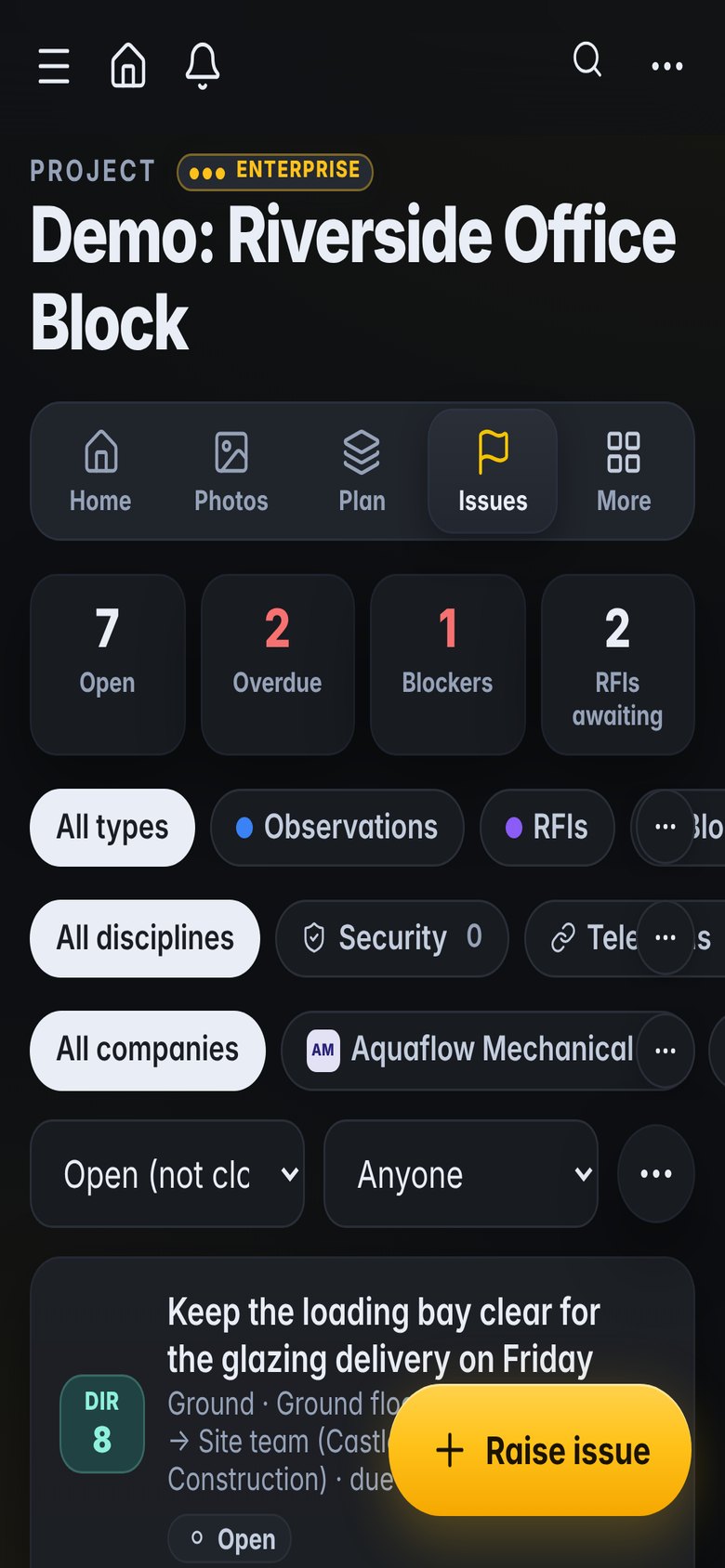
What gets in the way
Snags by email
Lists arrive as PDFs and screenshots, and replies get lost between site and office.
Proving it is fixed
A tick in a spreadsheet does not convince anyone; a photo of the fix does.
Tests and tags
Commissioning evidence is split between paper sheets and someone's laptop.
Built for the way you work
Your snags, in one list
Everything assigned to your company, by area and due date.
- Filter by area, priority and due date
- Photo and plan spot on every item
- Notifications when new ones arrive
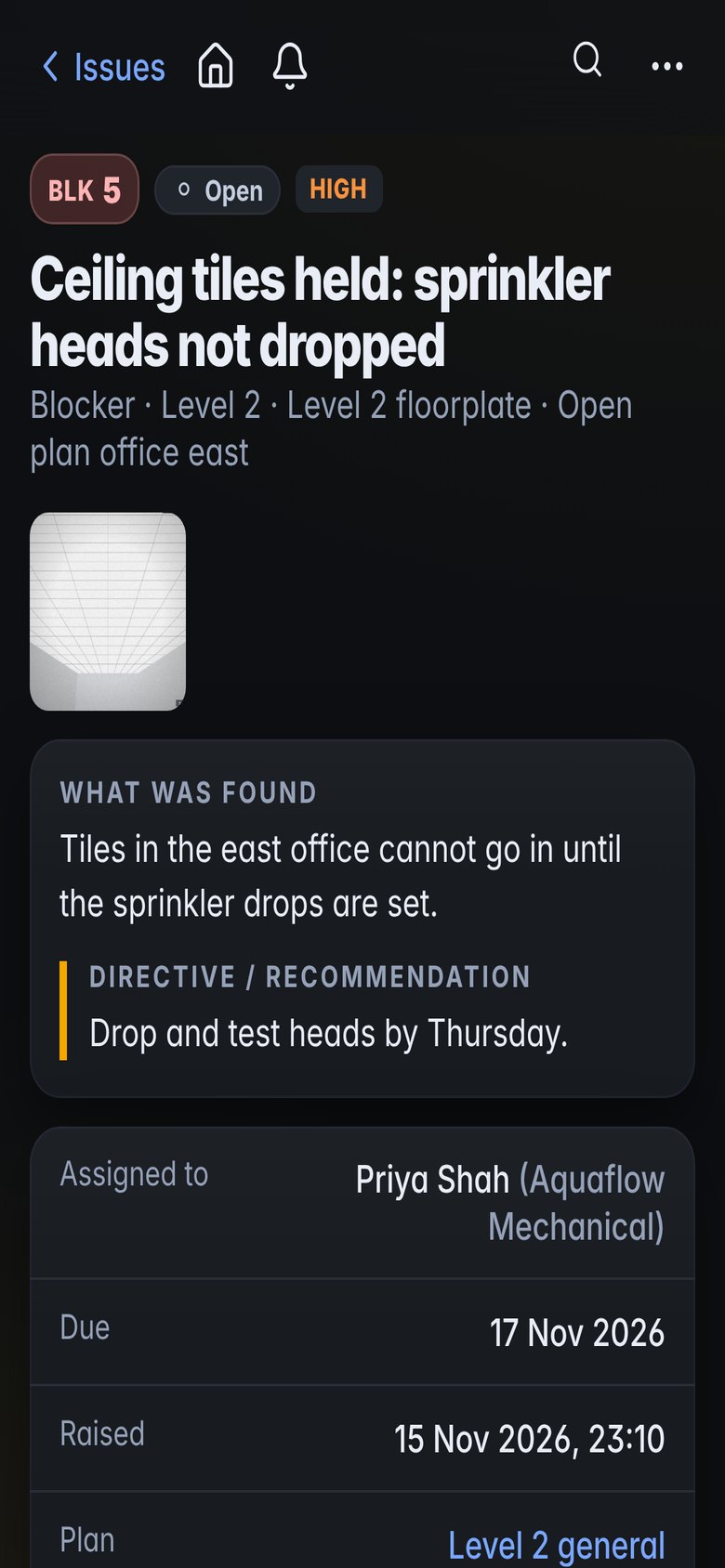
Reply with proof
Fix, photograph and reply, from the snag itself.
- Reply links, no account needed
- Before and after photos
- History of who did what
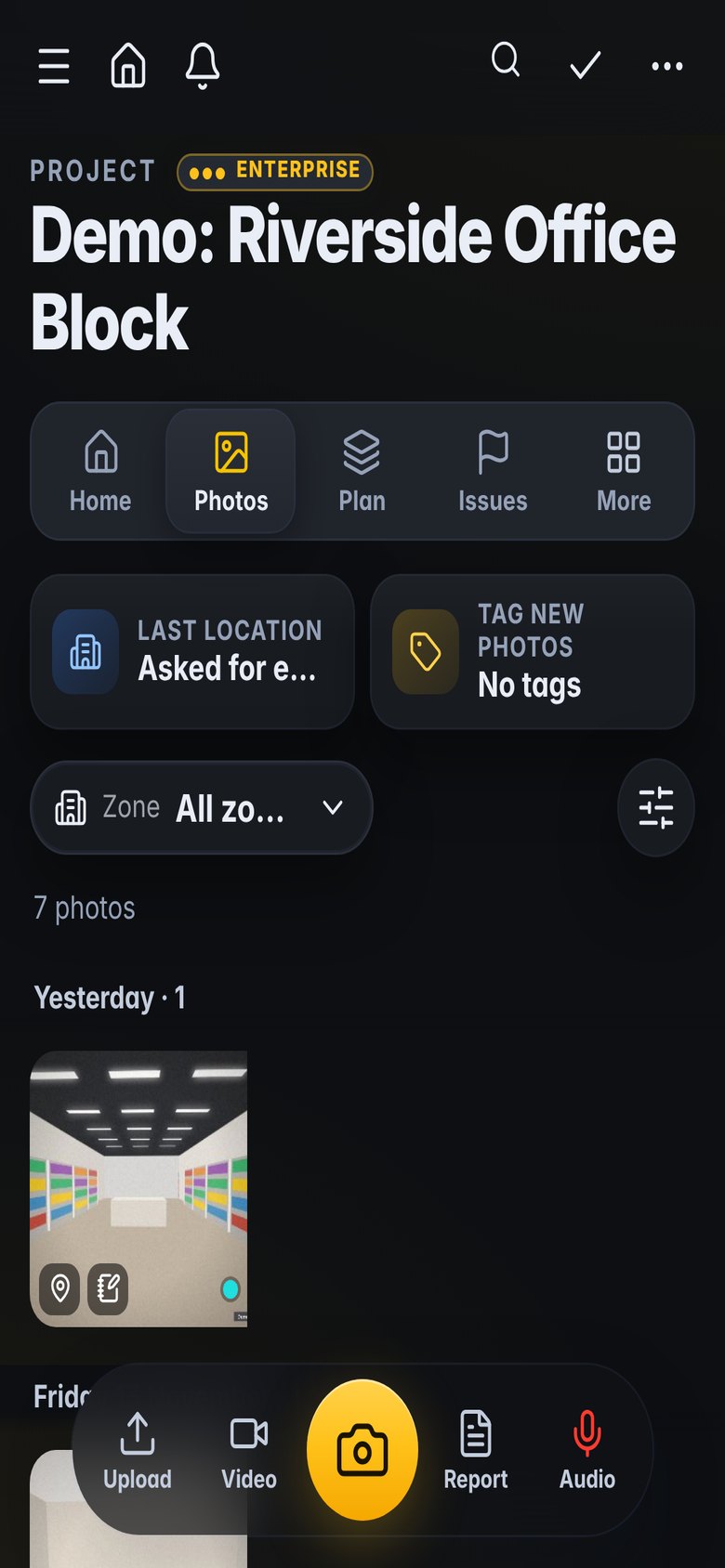
Tests against the tag
Commissioning stages and test sheets per piece of equipment.
- Colour-coded tag stages
- Test sheets and registers
- Documents per asset
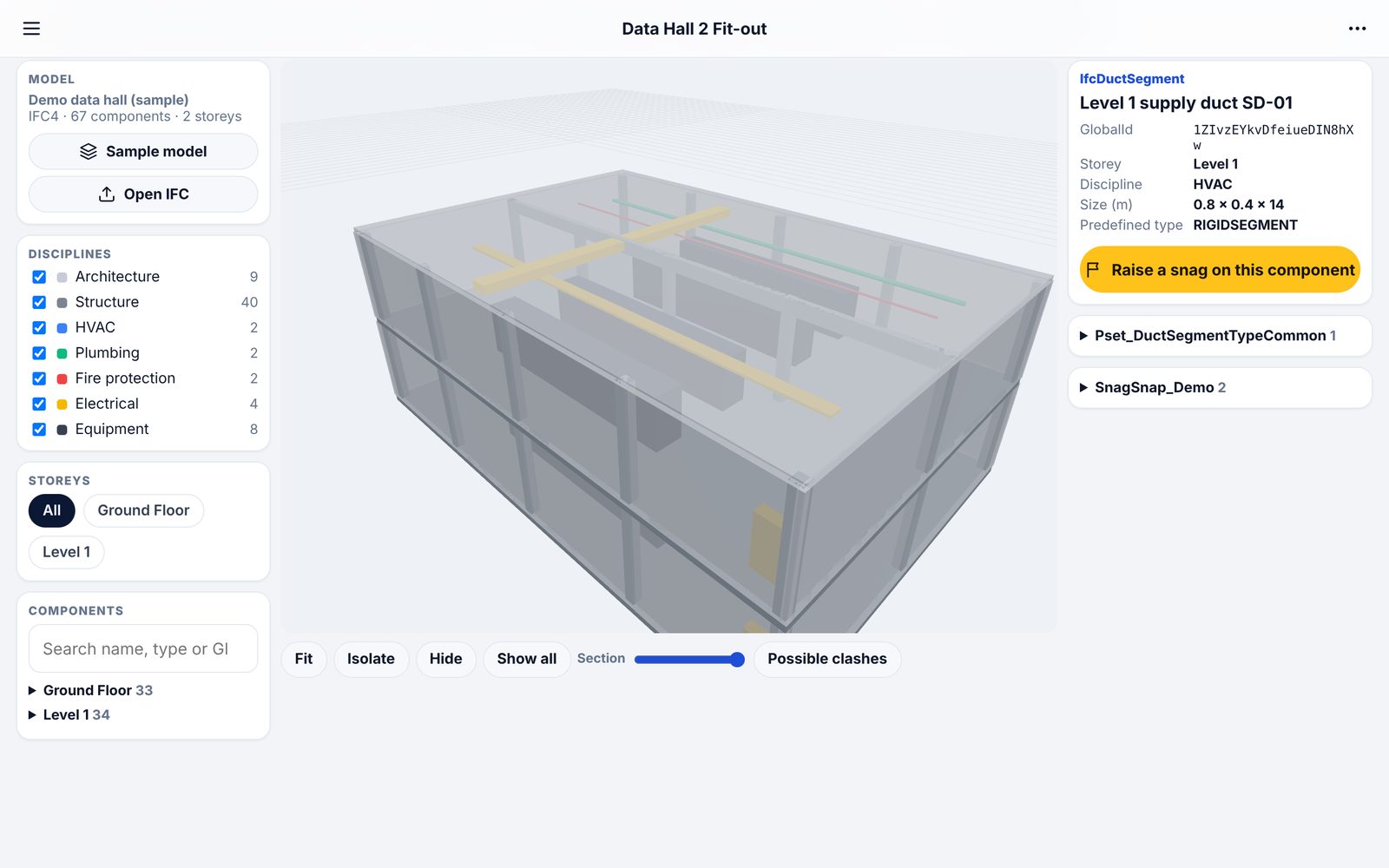
Coordinate before you install
Check your services against the structure and other trades.
- Clash checks from the shapes
- Clearance checks in millimetres
- Raise coordination issues with the view
What teams use it for
How it fits the job
Open the snags assigned to you
Fix, photograph and reply on site
Record tests against the tags
Send the close-out report
What you would use
Start on Standard and add Professional or Enterprise modules when you need them. See the plans
Frequently asked
Do we need our own subscription?
No. If the main contractor uses Kelmora, reply links work without an account. Your own subscription gives you your own projects and reports.
Can we see only our items?
Yes. Filter by company, or use reply links that show only the item sent to you.
Does it work offline?
Yes. Photos and notes are kept on the phone until there is signal.
Can we export for our own records?
Yes, as PDF and Excel.
Also built for
Try it on the demo project, then on your own site
The demo project has photos, snags, plans and a 3D model ready to explore.