Record the damage once, properly, and report it fast
Surveyors, adjusters and risk engineers need a clear, dated record of a site and a report the same day. Kelmora captures every area with photos, notes and measurements and turns it into a professional PDF.
What gets in the way
One visit to get it right
A second visit costs time and delays the claim.
Reports take longer than the visit
Writing up photos and notes back at the office eats the day.
Measurements matter
Areas and sizes drive the claim, and need to be checked later.
Built for the way you work
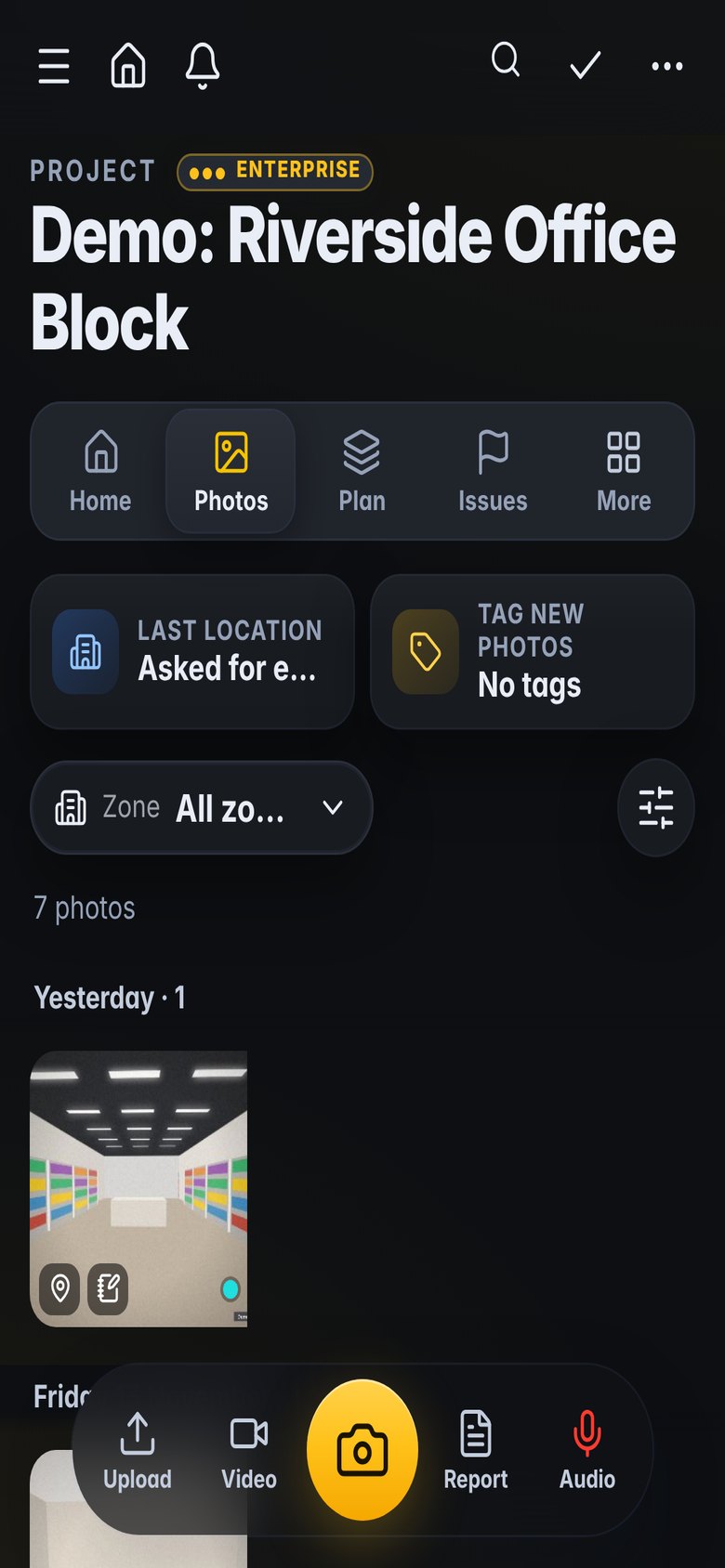
Every area covered
Walk the property area by area; nothing is missed.
- Walk reports by room or area
- Not accessed recorded with a reason
- Notes under every photo
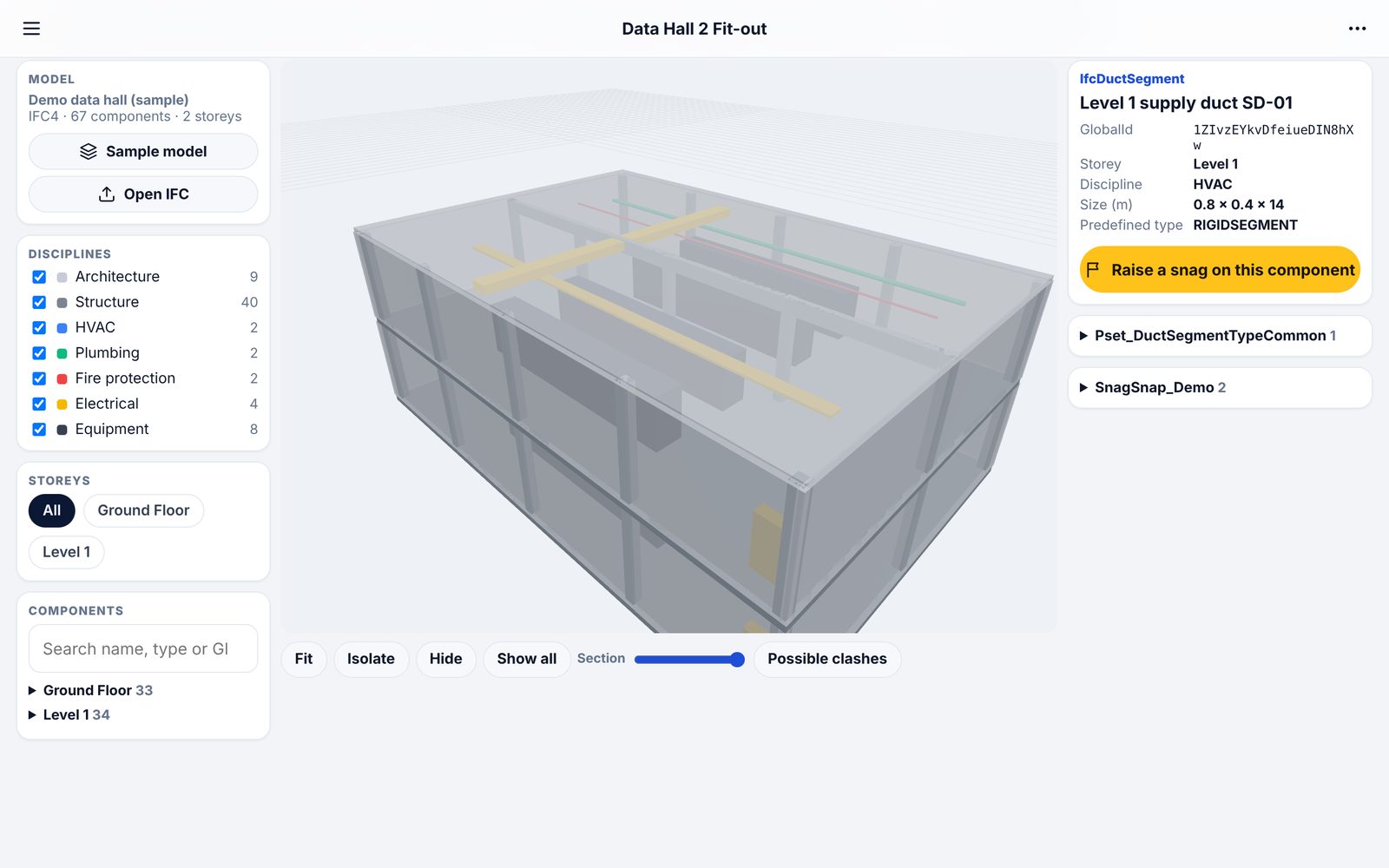
Measure and keep it
Phone scans opened, measured and saved with the file.
- Distance, height and area
- Measurements saved and labelled
- Plans as PDF or DXF
Report on site
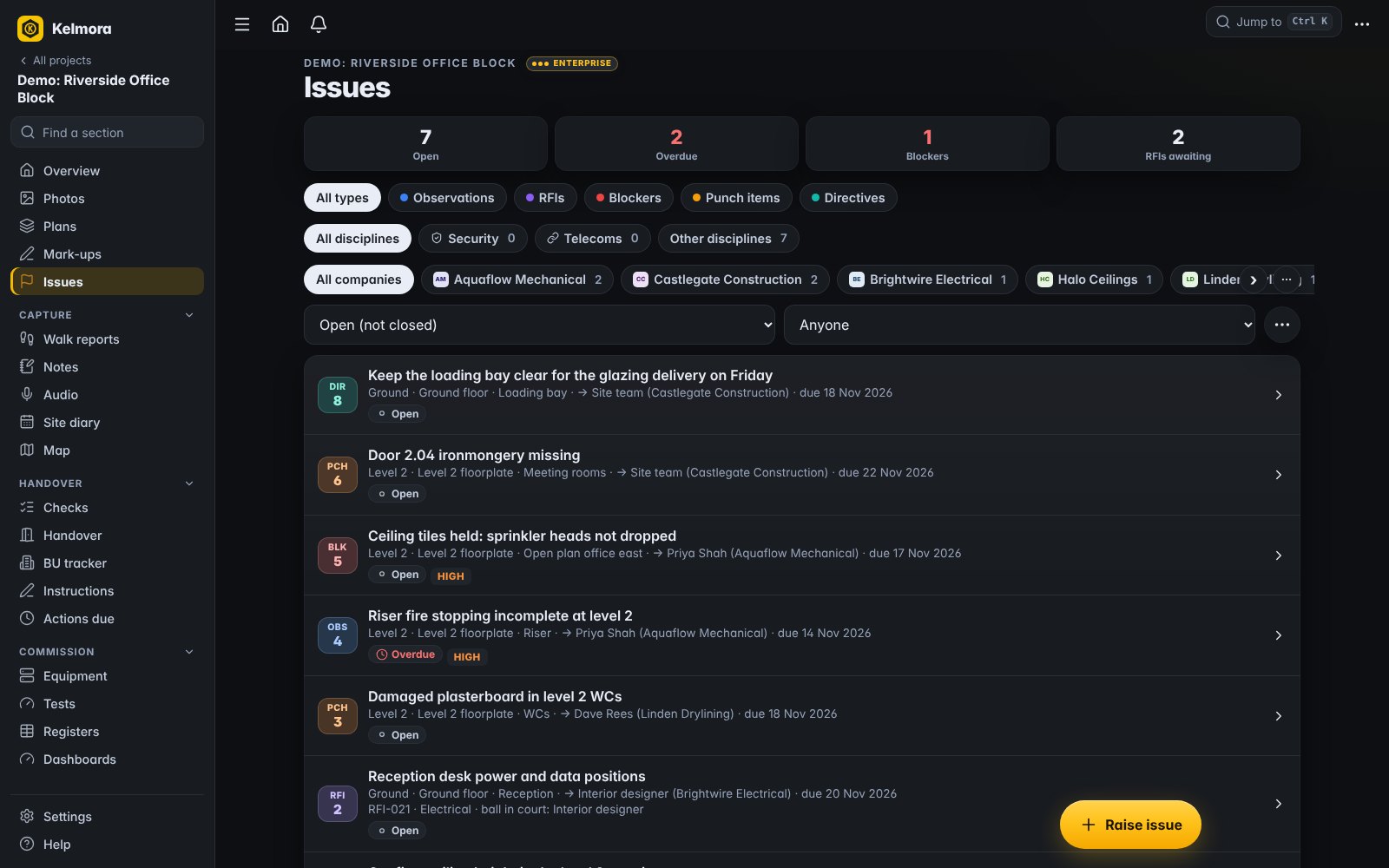
The PDF report is ready when the walk is finished.
- Professional PDF reports
- Report templates for your layout
- Share by link
A record that holds up
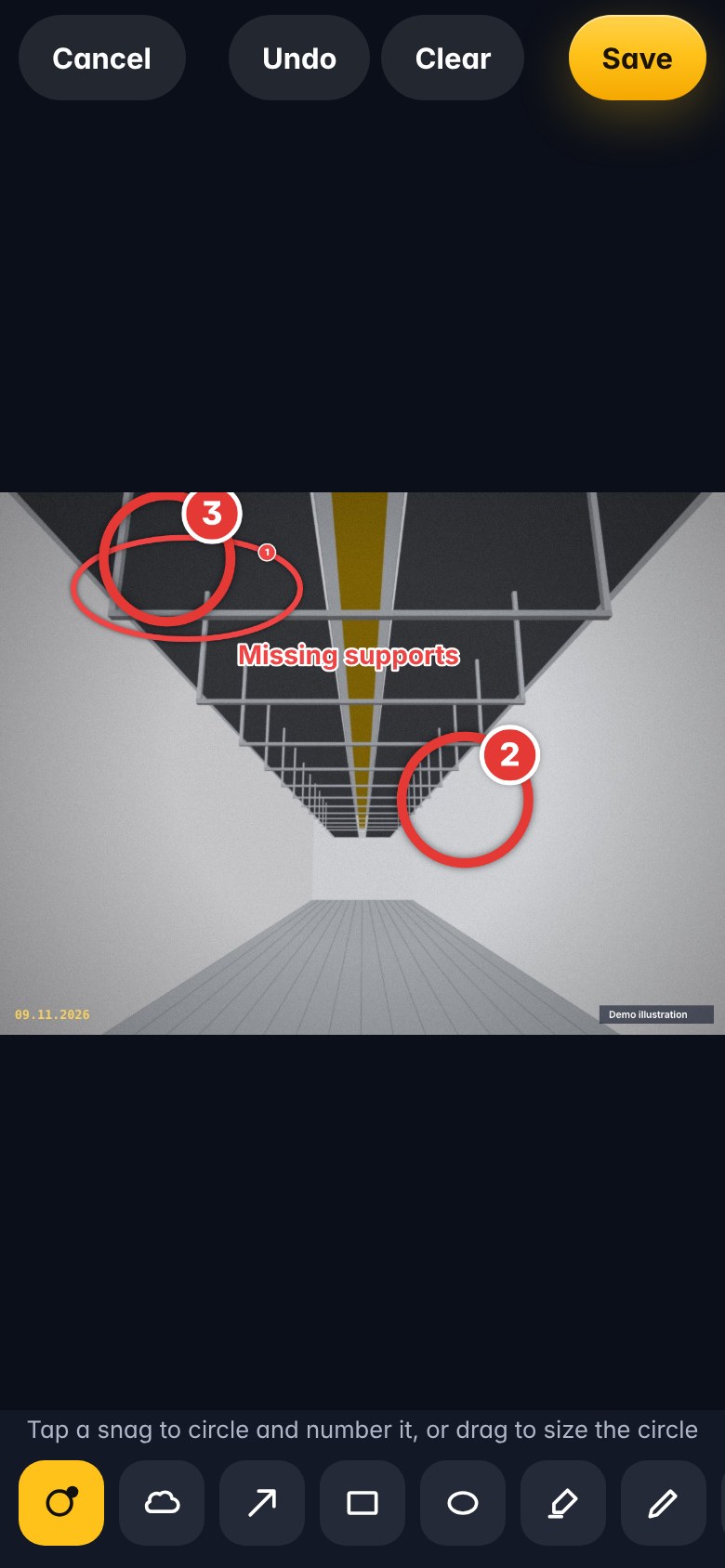
Dated photos and a full history of changes.
- Time-stamped photos
- A history of every change to each snag
- Markup on photos
What teams use it for
How it fits the job
Visit and walk each area
Measure from the scan
Issue the report the same day
Monitor reinstatement with follow-up visits
What you would use
Start on Standard and add Professional or Enterprise modules when you need them. See the plans
Frequently asked
Can I measure a room after I leave?
Yes, if you scanned it with a phone scanning app. Open the scan in Kelmora and measure it.
Can I use my own report layout?
Yes, with report templates.
Is each claim kept separate?
Yes. Each one can be its own project, and each company only sees its own.
Does it work with no signal?
Yes. Capture works offline.
Also built for
Try it on the demo project, then on your own site
The demo project has photos, snags, plans and a 3D model ready to explore.